Tim Hortons at 5816 South Transit Road: Essential Online Guide
Planning a visit to Tim Hortons on 5816 South Transit Road, Lockport? Learn which website sections to read for quick ordering and which to skip.
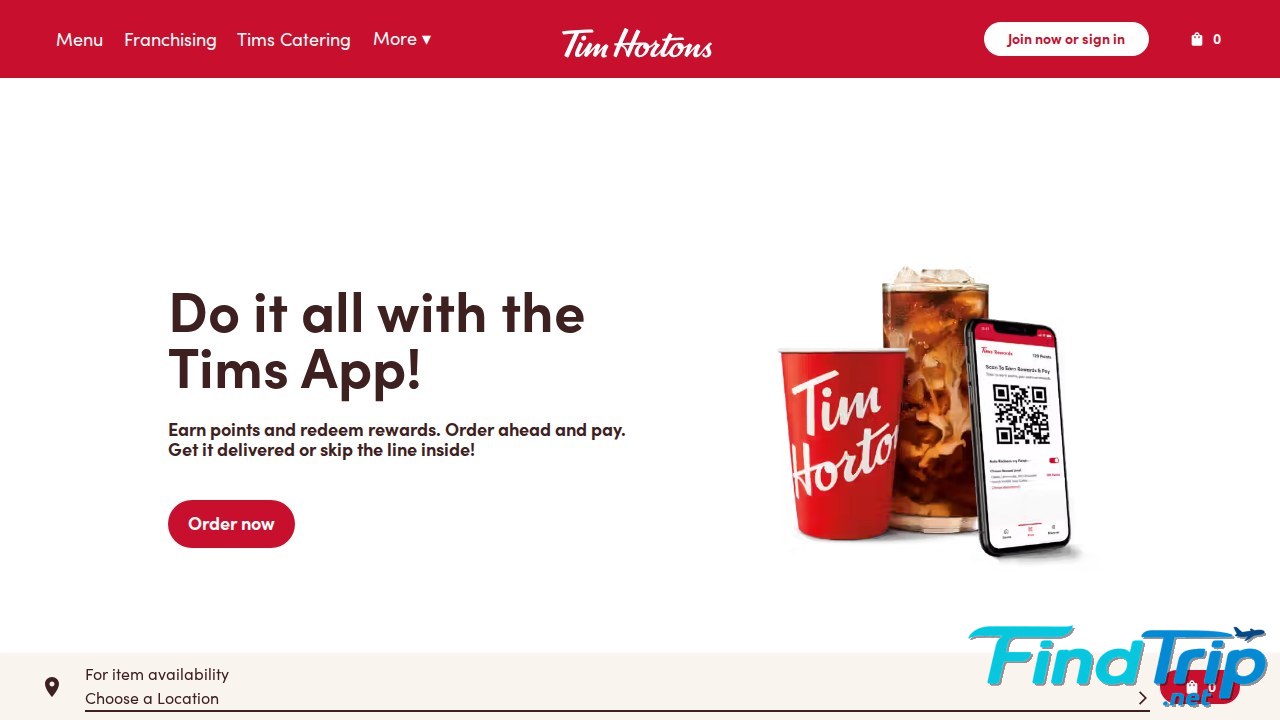
When planning a quick stop for coffee, breakfast, or baked goods at Tim Hortons on 5816 South Transit Road, Barker, Lockport, US, going through an official restaurant website or mobile app can sometimes feel overwhelming. Modern quick-service restaurant (QSR) platforms are packed with corporate background stories, promotional pop-ups, loyalty program terms, and extensive menus.
If you are commuting along South Transit Road or trying to grab a quick bite during a busy morning, you do not need to read every single page on the site. Knowing which sections give you immediate, practical answers—and which ones you can safely ignore—will save you valuable minutes. This guide breaks down the digital layout for Tim Hortons so you can extract essential operational details, place your order smoothly, and get on with your day.
---
High-Priority Sections to Read Before Your Visit
To make your trip to the South Transit Road location in Lockport as efficient as possible, focus exclusively on digital pages that impact your immediate transaction, order timing, and meal preferences.
1. The Local Store Locator & Fulfillment Options
The store locator page is the single most vital tool on the platform. While general chain information applies broadly, local details can vary. When searching for the store at 5816 South Transit Road, Barker, Lockport, US, look specifically for:
- Fulfillment Methods: Verify whether this specific location offers drive-thru service, in-restaurant dining, mobile order pickup, or delivery.
- Real-Time Hours: Operating schedules, drive-thru hours, and holiday timings can fluctuate. Always check the live locator status rather than relying on static third-party listings.
- Current Operational Status: Temporary updates regarding drive-thru maintenance or lobby access are usually posted directly within the official store detail tab.
2. Core Menu Categories and Seasonal Customizations
Instead of browsing the complete brand catalog, jump directly to the specific meal category you intend to purchase:
- Hot & Cold Beverages: Review sizes, espresso options, milk alternatives, and flavor shots if you plan to customize your coffee or iced drinks.
- Breakfast & Bakery: Check available breakfast sandwiches, wraps, bagels, and classic donut varieties.
- Dietary & Allergen Filtering: If you have food sensitivities or dietary restrictions, the nutritional guide tab is critical. It provides clear ingredient breakdowns for dairy, gluten, nuts, and calorie counts across the beverage and bakery lineup.
3. Active Local Offers and Tims Rewards
If you are looking to save money or earn points, narrow your focus to the rewards tab:
- Activated Offers: Ensure you activate digital coupons or member-only discounts in the app before reaching the order speaker or cash register at South Transit Road.
- Point Balance & Redemption: Check your reward point threshold to see if you qualify for a free beverage or baked item during your current visit.
| Feature / Page | Why It Matters | Priority Level |
| :--- | :--- | :--- |
| Store Locator (5816 S Transit Rd) | Confirms current operating status, fulfillment options, and live ordering | Essential |
| Nutritional & Allergen Guide | Essential for dietary restrictions, ingredient checks, and calorie counts | High |
| Mobile Order & Pay Platform | Saves time by bypassing counter or drive-thru wait lines | High |
| Rewards & Offer Activation | Unlocks discounts and applies points to your immediate order | Medium |
---
Sections You Can Safely Skip When in a Hurry
When time is limited, broad brand marketing and general corporate background pages add extra noise without helping you order your morning coffee faster. Here is what you can bypass completely during a quick check.
1. Brand Heritage and History Pages
The official platform contains extensive documentation detailing the brand's Canadian heritage, founding history, and historical milestones. While interesting for brand enthusiasts, these sections offer no functional benefit when deciding what to order at the Lockport branch. Skip all "About Us" and heritage timeline tabs.
2. Franchise Opportunities and Corporate Careers
Large sections of the official website are dedicated to corporate recruitment, store management applications, and franchise acquisition details. Unless you are actively applying for employment at the 5816 South Transit Road location or seeking investment opportunities, pass over all links labeled "Franchising," "Careers," or "Investor Relations."
3. Generic Promotional Banners and National Campaigns
Homepage slideshows often highlight global brand campaigns, national contests, or merchandise drops that may not be available at every individual US location. To avoid confusion regarding item availability:
- Skip banner ads on the main homepage.
- Rely instead on the direct mobile ordering menu linked directly to the Lockport store, which automatically hides items out of stock at that specific address.
4. Fine Print Terms, Conditions, and Privacy Policies
Unless you are troubleshooting a locked rewards account or reviewing payment processing security, reading through the extensive legal disclaimers, gift card user agreements, and site privacy policies is unnecessary for everyday dining decisions.
---
Efficient Workflow for Ordering at South Transit Road
To streamline your dining experience at Tim Hortons (5816 South Transit Road, Barker, Lockport, US), follow this practical step-by-step digital routine:
1. Open the Official App or Website: Select the location finder and set your target store to 5816 South Transit Road, Lockport.
2. Verify Service Options: Confirm whether drive-thru or counter pickup best suits your current schedule.
3. Review the Live Menu: Filter by your desired category (Hot Beverages, Cold Drinks, Breakfast, or Bakery) to check real-time stock.
4. Check Tims Rewards: Activate any available single-use offers or apply accumulated points to item rewards.
5. Place Mobile Order or Order In-Person: Submit your selection online for rapid counter pickup, or use the menu knowledge to state your order clearly at the drive-thru window.
Important Local Note
Menu items, daily operating hours, drive-thru availability, and promotional pricing at the 5816 South Transit Road location are subject to change. Always refer to the official Tim Hortons digital channels or consult store staff on-site to confirm real-time specifics before traveling.
---
Conclusion
Maximizing your experience at Tim Hortons on South Transit Road comes down to focusing on practical information. By jumping straight to the store locator, checking live menu availability, and activating your rewards, you strip away unnecessary digital clutter. Ignore corporate heritage articles, job portals, and general promotional banners when you are on the go. This direct approach ensures a smooth, predictable visit whether you are pulling into the drive-thru or grabbing a quick bite inside.