The Pinnacle@Duxton Skybridge: Ticket Price and Access Guide
Planning a trip to The Pinnacle@Duxton skybridge? Learn about the $6 public ticket fee, opening hours, daily visitor quotas, and official kiosk purchasing steps.
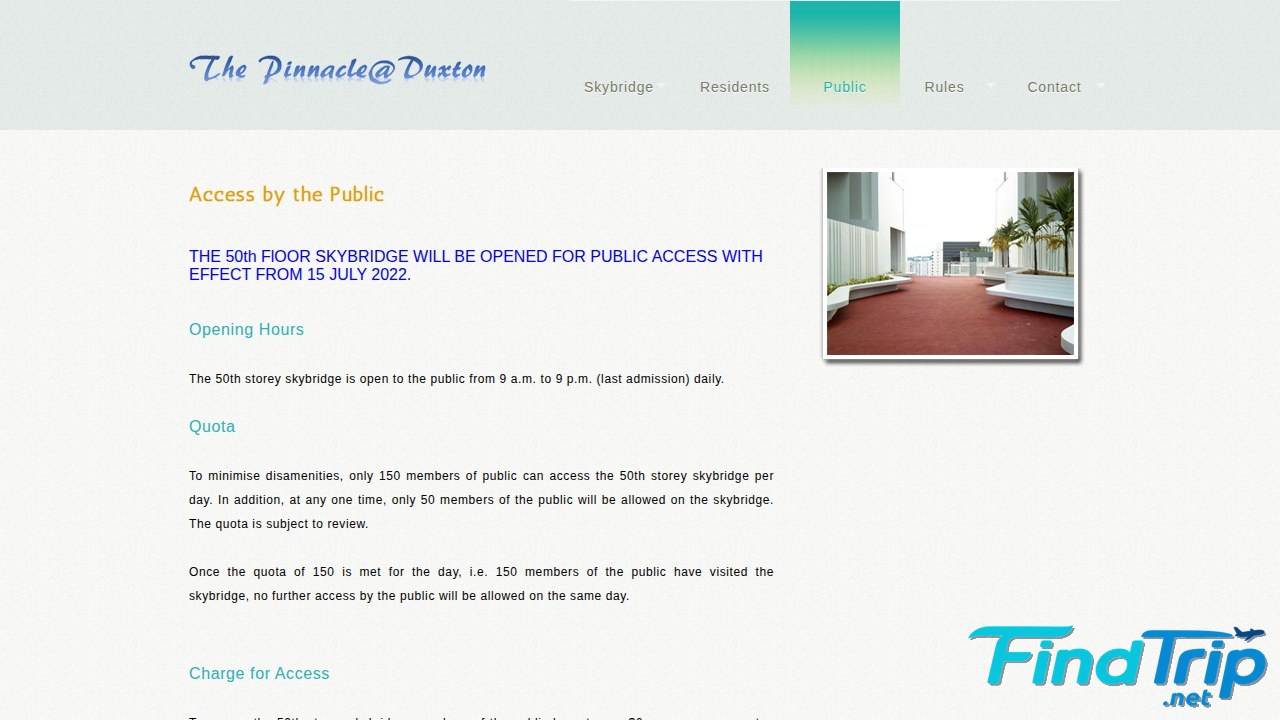
If you are planning to take in panoramic views of Singapore from the iconic 50th-storey skybridge at The Pinnacle@Duxton, note that public access is not free. While the skybridge primarily serves the residential complex, public visitors are allowed access by purchasing an entry ticket on-site.
The public admission fee is $6 per person per entry, introduced to help cover the operating and maintenance costs of the turnstile security system. The skybridge is open to non-residents daily from 9:00 a.m. to 9:00 p.m. (last admission). Because space is regulated, entry operates under strict daily capacity caps.
---
Ticket Pricing, Capacity Limits, and Regulations
Before visiting The Pinnacle@Duxton, it is crucial to understand the daily quota system. Entry is sold on a first-come, first-served basis, and ticket sales stop immediately once the daily cap is reached.
| Feature | Details & Limits |
| :--- | :--- |
| Admission Fee | $6 per person per single entry |
| Daily Visitor Quota | Maximum 150 public visitors per day |
| Simultaneous Limit | Maximum 50 public visitors on the skybridge at any one time |
| Operating Hours | 9:00 a.m. – 9:00 p.m. daily (last entry at 9:00 p.m.) |
| Ticket Validity | Entry must occur within 1 hour of registration and payment |
| Usage | One-time entry and exit per QR code |
Note: Once the 150-visitor limit is reached on any given day, no further public access is granted until the following day.
---
How and Where to Buy Official Tickets
Tickets for the 50th-storey skybridge cannot be booked online in advance. You must register and purchase your ticket in person on the day of your visit.
Step-by-Step Purchase and Entry Process
1. Locate the Kiosk: Go to Block 1G Cantonment Road and find the self-service ticketing kiosk on the ground floor (Level 1).
2. Register: Key in your full name and contact phone number on the kiosk screen.
3. Payment: Pay the $6 admission fee per person using NETS, Visa, or MasterCard (cash is not accepted at the kiosk).
4. Collect QR Code: Take the printed receipt featuring a unique QR code.
5. Take the Elevator: Head to the lift lobby at Block 1G and take the elevator up to the 50th storey.
6. Scan at Entry: At the skybridge entrance turnstile, scan your QR code receipt at the card reader to pass through the full-height gate.
7. Keep Your Receipt: Hold onto your QR code receipt during your visit. You must scan the exact same QR code at the turnstile reader when exiting the skybridge at any block.
If you experience technical issues at the turnstiles during entry or exit, visit the Managing Office located at Block 1G, Level 1, or call the Managing Agent Hotline at +65 8683 7760.
---
Are There Free Admission Days or Discounts?
Official guidelines for The Pinnacle@Duxton do not list any free public entry days, discounted slots, or promotional ticket rates for general visitors.
- General Public: Must pay the standard $6 fee per entry regardless of age or visiting time.
- Residents: Access rules for building residents are managed separately through internal estate access cards.
If you are visiting as part of the public, plan to pay the standard $6 fee via card or NETS at the Block 1G kiosk.
---
Key Takeaways for Your Visit
To ensure a smooth trip to the 50th-floor skybridge at The Pinnacle@Duxton:
- Arrive Early: Due to the strict limit of 150 public visitors per day, arriving earlier in the day reduces the risk of missing out after the quota is filled.
- Watch the Time: You must scan your QR code at the 50th-floor turnstile within 1 hour of paying at the ground-floor kiosk. Do not delay on the first floor after registering.
- Prepare Digital Payment: Ensure you have an active Visa, MasterCard, or NETS card ready for the automated kiosk.