Subway at 1605 Kanawha Blvd W: Menu, App Ordering & Services
Discover the Subway at 1605 Kanawha Blvd W in Charleston, WV. Learn about app ordering, Sub Club rewards, dietary options, and catering services.
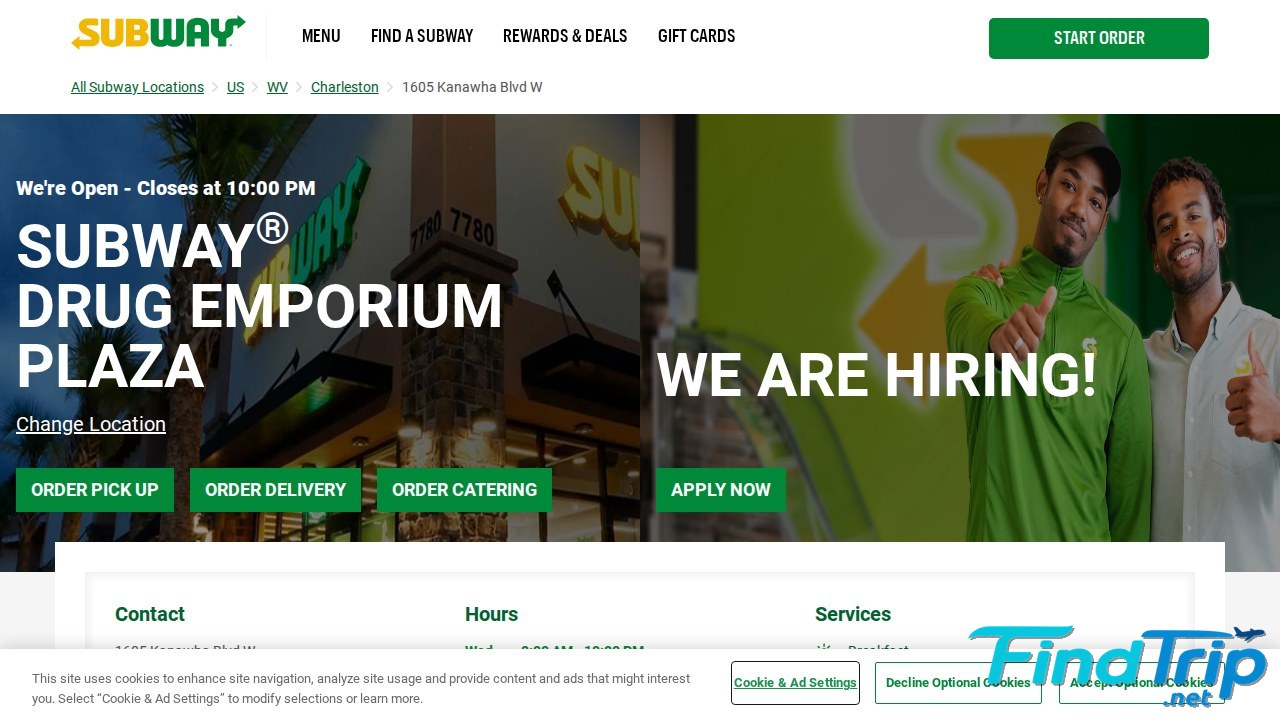
Planning a visit to the Subway restaurant located in the Drug Emporium Plaza in Charleston, West Virginia? Whether you are looking to grab a quick lunch, arrange catering for an office event, or navigate their digital ordering system, knowing exactly what this specific location offers can save you time.
Please note that the information provided in this guide is meant to help you navigate the ordering process, menu options, and digital services available at this specific location. This is not official corporate or legal dietary advice. Customers with severe food allergies or strict dietary restrictions should always review the official Subway Allergen Information guide or consult directly with the staff regarding cross-contamination risks before consuming any products.
Location Details:
- Address: 1605 Kanawha Boulevard West, McDowell County, Charleston, United States, US 25312 (Located at the Drug Emporium Plaza)
- Phone Number: (681) 253-3285
- Store Hours: Monday through Sunday, 8:00 AM to 10:00 PM
Dietary Conditions and Menu Requirements
When dining at the Kanawha Blvd W location, there are specific conditions and options regarding dietary preferences and catering requirements that you should consider before placing your order. The restaurant operates on a "Make it What You Want®" model, allowing you to customize sandwiches, wraps, and salads, but certain limitations apply depending on your specific needs.
Vegan and Vegetarian Options
If you follow a vegan lifestyle, you will find a variety of fresh-cut vegetables available to build your meal. However, the official source notes that not all menu offerings are vegan. You must carefully select your bread, protein alternatives, and sauces. Customers are advised to check the official Products and Ingredients guide to verify which specific items align with a vegan diet, as the standard menu items often contain dairy or meat products.
Gluten-Free Availability
For guests managing gluten sensitivities, ordering requires specific knowledge of the store's inventory.
- Bread Availability: Select Subway stores carry a six-inch gluten-free bread option. You must ask the Sandwich Artist™ on duty if this specific Charleston location currently has it in stock.
- Preparation: To help avoid cross-contamination, this gluten-free bread is prepackaged and baked off-site.
- Limitations: No other bread, flatbread, or wrap options on the menu are gluten-free.
- Alternatives: If the gluten-free bread is unavailable, or if you prefer a different format, you have the option to turn any standard six-inch sub into a salad.
Featured Menu Parameters
If you do not have specific dietary restrictions, this location features several signature builds. Understanding these standard builds helps speed up the ordering process:
- Fresh Fit® Ham & Turkey Stacker: Built on freshly baked Hearty Multigrain bread, this includes oven-roasted turkey, ham, spinach, lettuce, tomatoes, cucumbers, onions, and yellow mustard.
- Sweet Onion Teriyaki: Served on Hearty Multigrain bread, featuring tender grilled chicken, American cheese, lettuce, tomatoes, onions, and Sweet Onion Teriyaki sauce.
- Steak Philly: Served on freshly baked Artisan bread, containing juicy steak, American cheese, peppers, onions, and mayonnaise.
Catering Notice Conditions
If you plan to utilize Subway® Catering for epic catering bundles (which include subs, drinks, chips, and cookies), the primary condition to keep in mind is timing. The official guidelines state that advance notice may be required for catering orders. You cannot expect a large-scale catering bundle to be prepared immediately upon walk-in.
Steps for Navigating the Website and App
To streamline your experience, Subway offers a robust digital ecosystem. Utilizing the official website or the mobile app allows you to bypass standard lines, customize your food meticulously, and manage rewards. Here are the exact steps and platforms available for interacting with this location online.
1. Placing a Digital Order
You can order from anywhere and choose between in-restaurant dining, curbside pickup, or direct delivery.
- Via the Subway App: Download the official app to select the 1605 Kanawha Blvd W location. You can customize your order, save your favorite builds for faster checkout in the future, and track your order status.
- Via Third-Party Delivery: If you prefer to use delivery aggregators, this location is officially integrated with DoorDash, Uber Eats, Grubhub, and Postmates. You simply search for the restaurant within your preferred third-party app to arrange delivery.
- Via the Catering Portal: For large events, navigate to catering.subway.com. You will select this specific Charleston location, choose your catering bundles, and schedule a pickup or delivery time based on the required advance notice.
2. Joining the Sub Club Loyalty Program
To get the most value out of your purchases, you should join Sub Club, the brand's official loyalty program.
- Navigate to Subway.com/rewards or open the Subway App.
- Create an account using your email address.
- Once registered, you immediately become a Sub Club member. This allows you to earn points on eligible purchases, unlock exclusive digital offers, and access benefits designed to enhance your dining experience.
3. Applying for Local Jobs
If your intent is employment rather than dining, the digital platform is also the starting point. The Kanawha Blvd W location is independently owned and operated, employing local Sandwich Artists™.
- To find restaurant-level openings, visit the official Subway Careers page.
- For regional or corporate Headquarter roles, navigate to the Recruiting page or check the official Subway LinkedIn profile.
Presenting Payment Methods and Gift Cards
While visiting a quick-service restaurant does not require you to bring formal identification or paperwork, arriving prepared with the correct payment methods, digital credentials, or gift cards is essential for a smooth transaction. Here is exactly what you need to have ready when you approach the register.
Using the Subway App for In-Store Payment
If you prefer a wallet-free experience, you can use your smartphone as your payment document. To do this successfully:
- Step 1: Open your Subway App before reaching the front of the line.
- Step 2: Ensure you have already added a valid Payment Method within your user profile settings.
- Step 3: When the Sandwich Artist™ is ready to ring you up, tap the "Show Card" button in the app.
- Step 4: The app will generate a unique QR code. Present this screen at the register for the staff to scan, which will simultaneously process your payment and apply any earned Sub Club loyalty points.
Managing Physical and Digital Gift Cards
Subway® Cards are a primary method of transaction for many guests. If you are using or purchasing these, here is what you need to know:
- Physical Cards: You can bring physical gift cards to this location to pay for your meal. If you wish to purchase new ones to share as gifts, they are available directly at the participating restaurant counter, online at subway.com, or through authorized retail stores.
- eGift Cards: If you have a digital gift card, ensure the email or digital voucher is accessible on your phone to present at checkout. These can be purchased online via the official website or authorized digital resellers.
- Corporate Needs: If you are managing an office account, bulk or corporate Subway Cards are available through the corporate cards section of the website.
- Accessibility Options: For visually impaired customers, physical Subway® Cards featuring Braille text are available. These cannot be picked up directly off the standard store rack; you must place a special order by calling 1-877-697-8222.
Conclusion: Confirming Your Order at the Counter or App
The Subway at Drug Emporium Plaza on Kanawha Blvd W provides a highly customizable dining experience, supported by modern digital ordering tools and a structured loyalty program. Because the restaurant operates on an independent franchise model, the final execution of your meal relies on clear communication between you and the staff.
Whether you spend time carefully selecting your ingredients through the mobile app or you stand at the glass counter directing the Sandwich Artist™ in person, the final step is always verification. Always confirm your order details—especially if you have requested gluten-free bread, specific vegan vegetable combinations, or large catering bundles—directly at the counter or through the official app's checkout screen before finalizing your payment. By utilizing the official digital tools and understanding the specific offerings of this Charleston location, you can ensure a fast, accurate, and satisfying visit.