Subway 99 Church Lane Bedford: Essential Pre-Visit Checklist
Quick pre-visit checklist for Subway at 99 Church Lane, Bedford. Find opening hours, contact details, ordering tips, and step-by-step visit guide.
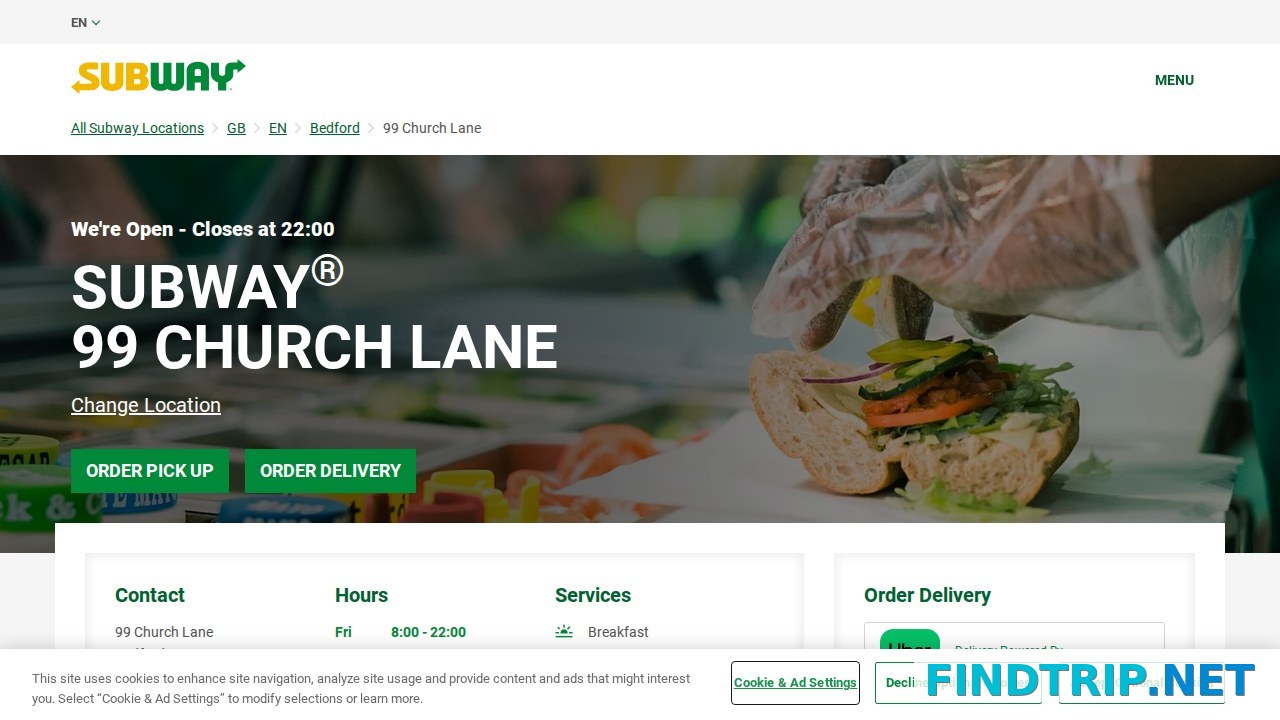
This practical guide serves as a quick operational checklist for your next visit to Subway on 99 Church Lane, Bedford, rather than a traditional long-winded review. Use these straightforward steps and store details to ensure your visit for a quick bite, takeaway, or delivery order is completely seamless. It highlights crucial location facts, preparation steps, and ordering guidelines to help you get your customized sandwich with zero hassle.
Key Store Information & Contact Details
| Category | Information Details |
| :--- | :--- |
| Address | 99 Church Lane, Bedford, Bedfordshire, MK41 0PW, United Kingdom |
| Main Phone Contact | 01234 353673 |
| Opening Hours (Mon – Thu) | 08:00 – 21:00 |
| Opening Hours (Fri) | 08:00 – 22:00 |
| Opening Hours (Sat) | 09:00 – 22:00 |
| Opening Hours (Sun) | 09:00 – 21:00 |
| Table Booking | Unconfirmed (Fast-food counter service / walk-in) |
| Services Available | Breakfast, In-Store Dining, Mobile Ordering |
| Delivery Partners | Uber Eats, Deliveroo, Just Eat |
| Official Website / App | Subway App / Subway UK Website |
What to Prepare Before Your Visit
Before heading out to 99 Church Lane, going through a quick preparation routine ensures you save time and unlock available perks:
- Download the Subway Rewards App: Set up your digital account in advance to collect points on your meal or redeem valid discount vouchers during checkout.
- Decide On Your Ordering Method: Determine whether you plan to order at the counter, place a mobile pick-up order for quick collection, or request doorstep delivery via Just Eat, Uber Eats, or Deliveroo.
- Prepare Payment Options: Ensure you have a contactless card, Apple Pay, or Google Pay ready for smooth transaction handling, though cash is generally accepted.
- Review Dietary Preferences: If you have specific dietary needs (such as plant-based, vegetarian, or low-calorie meals), pre-select your meal format (6-inch, Footlong, Wrap, or Salad) ahead of time to speed up ordering.
On-Site Step-by-Step Action Plan
Once you arrive at the store, follow these sequential steps to customize your meal efficiently:
1. Check Store Traffic: Observe the queue length upon entering; if the counter line is long, submit a quick mobile order via the app while waiting inside.
2. Select Meal Format & Bread: State your preferred item (Sub, Salad, or Wrap) and choose your bread base (e.g., Italian, Herbs & Cheese, or Wheat).
3. Choose Filling & Toasting: Pick your protein (meats or plant-based alternatives), select your cheese preference, and decide if you want your sandwich toasted or served cold.
4. Add Fresh Vegetables: Instruct the Sandwich Artist on your vegetable selection—choose from lettuce, cucumbers, tomatoes, peppers, pickles, jalapeños, or olives.
5. Finish with Sauce & Meal Extras: Select your favorite sauce (such as Sweet Onion, Chipotle Southwest, or Garlic Aioli) and decide if you want to add a side of cookies, crisps, or a drink before paying at the register.
Post-Visit Checklist & Aftercare Notes
- Verify Digital Points: Check your Subway App balance to ensure your loyalty points from the Church Lane visit registered correctly.
- Keep Your Receipt: If there were any errors with your order or if you wish to participate in customer feedback surveys for promotional offers, retain your paper receipt.
- Dispose of Packaging Responsibly: Clear your table if dining in, or utilize local recycling containers for your paper wrappers and napkins when leaving.
By following this quick checklist, you can enjoy a hassle-free, perfectly customized meal experience at Subway on 99 Church Lane in Bedford.