Post-Visit Essentials: What to Do After Ordering at Jimmy John's in Vestal
Essential steps after ordering from Jimmy John's at 3951 Vestal Pkwy E: receipt retention, rewards tracking, feedback channels, and digital security.
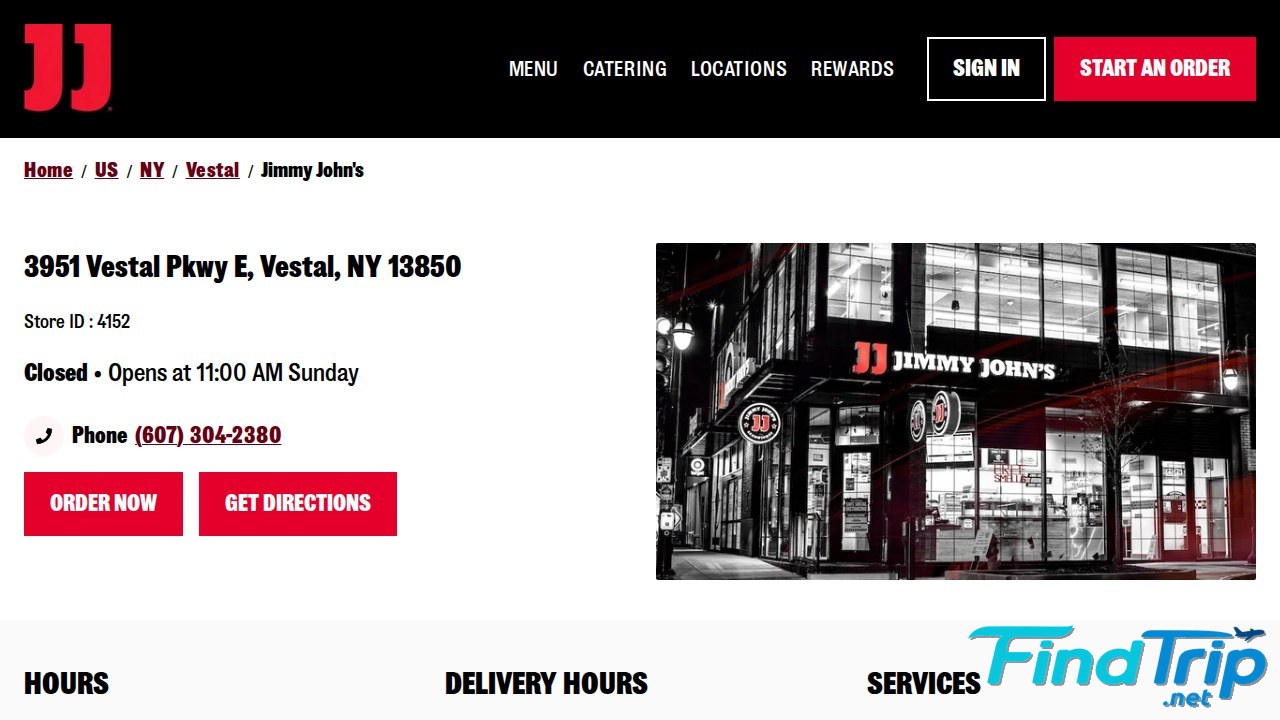
When you finish a meal or pick up a order from Jimmy John's located at 3951 Vestal Pkwy E, Vestal, NY 13850, your experience does not necessarily end the moment you walk out the door or take your food off the counter. Whether you dropped in for a quick lunch, ordered delivery to a nearby workplace, or picked up a catering order for a group event, taking a few systematic post-purchase steps helps ensure you got exactly what you paid for, your loyalty rewards are properly credited, and your private billing information remains secure.
Many patrons leave a quick-service sandwich shop assuming everything is finalized. However, reviewing your receipt, verifying your order accuracy, registering loyalty points, and handling any necessary feedback through official avenues can save you time and money. Here is a comprehensive guide on what you should do after leaving the Vestal Parkway location.
---
Retaining Your Receipt and Digital Order Confirmations
Whether you placed your order in person at the counter, picked up curbside, or arranged delivery through the mobile app, keeping your purchase receipt or digital confirmation is essential. The paper receipt printed at the register or the email invoice generated by online ordering serves as your official proof of purchase and contains key information regarding Store #4152.
Why Your Receipt Matters Immediately After Purchase
1. Order Accuracy Verification: Jimmy John's is known for fast service and customized orders—ranging from custom toppings on Original Sandwiches like the #4 Turkey Tom or #9 Italian Night Club, to specific adjustments like ordering an Unwich® (lettuce wrap instead of bread) or toasted subs. Checking your physical receipt against your wrapped food items ensures that extra protein, specific cheese additions, or side items like chips, cookies, and drinks were accurately charged and included.
2. Billing and Price Accuracy: Receipts reflect itemized pricing, delivery fees, service charges, and sales tax. Reviewing the transaction details allows you to confirm that applied discounts, promo codes, or gift card balances were calculated correctly.
3. Dispute Resolution: If you notice a missing item or a wrong order after arriving back at your home or office, having the receipt makes resolving the issue significantly smoother. The receipt contains the store number (Store ID: 4152), order timestamp, transaction number, and direct contact phone number (607) 304-2380.
Tracking Jimmy John's Rewards™ Points
If you participate in the Jimmy John’s Rewards™ loyalty program, your receipt or digital account history is critical for ensuring your purchase points are accurately credited.
- Automatic Sync: When ordering while signed into your account via the app or website, points are typically applied automatically upon order completion.
- Manual Receipt Claims: If you ordered in person at 3951 Vestal Pkwy E and forgot to scan your loyalty app or provide your phone number at the register, hold onto your itemized receipt. You can often submit receipt details through the official app or customer service portal to request missing points.
- Reward Verification: New loyalty members receive a free sandwich after their first qualified order. Verifying your transaction history in the app ensures your account registers that initial purchase, unlocking any eligible reward offers for future visits.
| Receipt Detail to Inspect | What to Verify | Action Required If Incorrect |
| :--- | :--- | :--- |
| Store Information | Confirm Store #4152 (3951 Vestal Pkwy E, Vestal, NY) | Ensures you are contacting the correct local store |
| Itemization | Check menu items, side add-ons, wraps, or toasted sub choices | Call store directly at (607) 304-2380 |
| Customizations | Verify Unwich®, extra meat, or sauce modifications | Compare with packaged food before consumption |
| Total Charge | Review applied discounts, delivery fees, and final charge | Keep receipt for payment provider dispute if needed |
| Rewards Status | Confirm points earned or loyalty ID linked | Enter receipt details in the Jimmy John's app |
---
Submitting Feedback and Resolving Issues via Official Channels
If your order was fulfilled perfectly, keeping your confirmation for record-keeping or expense reporting may be all you need. However, if an issue arises—such as a missing side item, an incorrect sandwich preparation, a delayed delivery, or a question regarding a large corporate catering order—taking the right steps guarantees a swift resolution.
Step-by-Step Guide to Raising Order Concerns
Instead of turning to third-party forums or informal social channels where store management cannot directly access your transaction details, use official communication channels to resolve order discrepancies.
1. Contact the Vestal Store Directly:
- For immediate issues (e.g., missing items in a delivery or takeout bag), call the store directly at (607) 304-2380. Speak with the shift supervisor or store manager on duty at 3951 Vestal Pkwy E.
- Have your receipt number, order time, and delivery address ready. Local store managers can often offer immediate solutions, such as dispatching a driver with the missing item or issuing a store credit.
2. Utilize the Official Online Feedback Form:
- If you prefer writing or need to follow up on a broader customer service inquiry, visit the official Jimmy John's website and navigate to the Feedback section (`jimmyjohns.com/feedback`).
- Fill out the structured form by selecting the specific store location (3951 Vestal Pkwy E, Vestal, NY 13850), inputting your order details, and describing the situation clearly.
- Online feedback forms route directly to customer care representatives and corporate support teams, ensuring tracked follow-up.
3. Managing Catering Follow-Ups:
- Group catering orders—such as sandwich platters, boxed lunches, or party packs—often involve higher costs and precise timing for business meetings or events.
- Review all catering items immediately upon arrival. If an order requirement was missed, contact the store manager right away using the direct store phone number. Keep the printed catering invoice for tax and corporate reimbursement documentation.
```
Post-Order Issue Resolution Workflow:
[Identify Issue] ➔ [Gather Receipt / Order ID] ➔ [Call Store: (607) 304-2380]
│
┌─────────────┴─────────────┐
▼ ▼
[Immediate Remedy] [Escalate via Official
(Redelivery/Credit) Feedback Portal online]
```
---
Protecting Your Data and Account Security After Ordering
In an era of digital ordering and integrated loyalty programs, post-purchase routine should always include basic digital hygiene. This is particularly relevant if you placed an online delivery or pickup order from a public, shared, or workplace computer near universities or corporate parks in the Vestal and Binghamton area.
Securing Shared and Public Terminals
If you logged into your Jimmy John's account on a shared workstation, public library terminal, or company computer to order food:
- Log Out Completely: Ensure you actively click "Sign Out" on the Jimmy John's website or ordering platform. Closing the browser window does not always invalidate your active session.
- Clear Web Cache and Form Data: If you typed in personal information, delivery addresses, or credit card details on a shared device, clear the browser history, cookies, and auto-fill form data before leaving the workstation.
- Avoid Saving Payment Details on Public Devices: Uncheck any prompts that ask to "Save card for future purchases" unless you are operating strictly on your secured personal mobile phone or laptop.
Safeguarding Your Account Credentials
For users who frequently order through the Jimmy John’s App or website:
- Monitor Account Activity: Periodically check your order history to ensure no unauthorized transactions have occurred.
- Use Strong Password Practices: Ensure your online ordering login uses a unique password not shared across banking or sensitive personal email accounts.
- Verify Official Emails: Authentic confirmation emails regarding your order from 3951 Vestal Pkwy E will come from official Jimmy John's domain addresses. Be cautious of suspicious emails asking for login credentials or credit card re-verification after your meal.
By reviewing your receipt, utilizing direct feedback channels for any order adjustments, and maintaining standard data security habits after placing your order, you protect both your wallet and your personal information while enjoying a smooth dining experience.
---