Paying at Burger King (6300 Thompson Rd, East Syracuse): Payment Methods & Mobile Pay Guide
Complete payment guide for Burger King at 6300 Thompson Road, East Syracuse. Learn about accepted cards, mobile app ordering, foreign card fees, and payment tips.
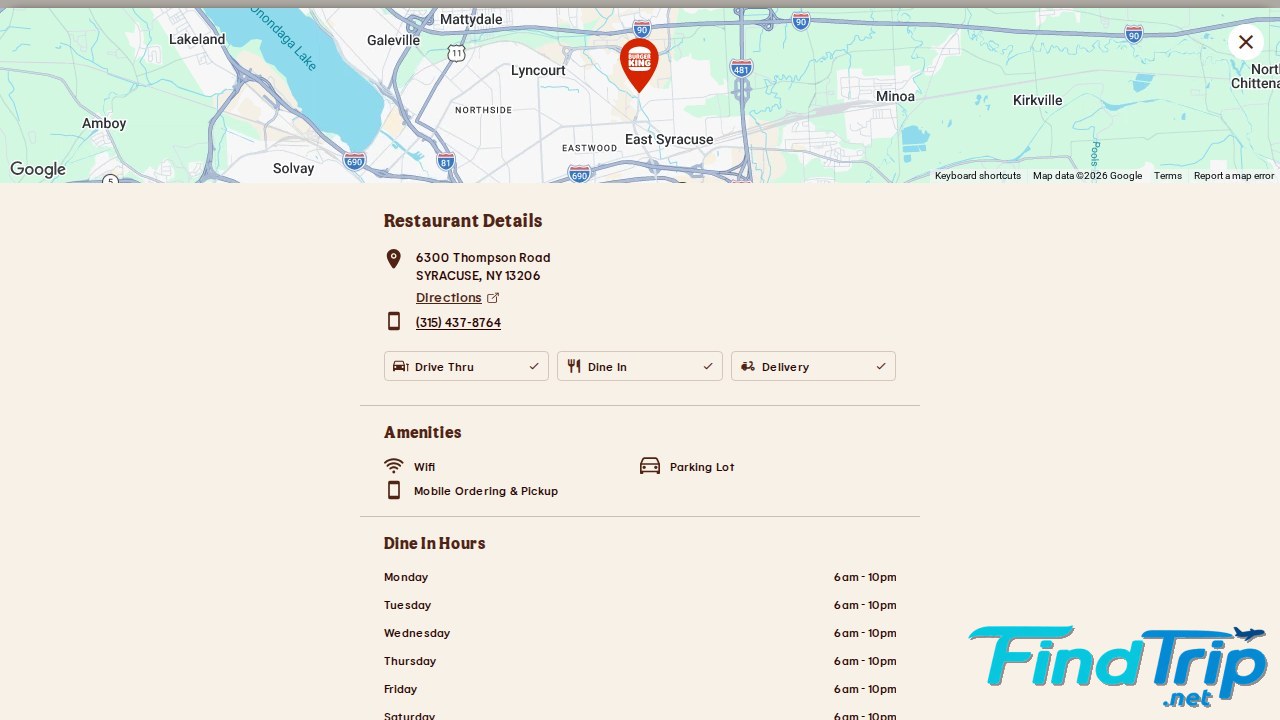
Nothing disrupts a quick meal faster than reaching the counter or drive-thru window only to realize your payment method is not accepted or your card is unexpectedly declined. Whether you are grabbing a fast breakfast on your morning commute, taking a quick lunch break, or picking up dinner for the family, smooth checkout is essential to the fast-food experience. For diners heading to the Burger King located at 6300 Thompson Road, Bolivar, East Syracuse, US, knowing how to pay before you arrive ensures a hassle-free transaction.
Payment technology in fast-food restaurants has evolved significantly beyond simple cash and card transactions. Today, guests use mobile wallets, brand-specific smartphone apps, contactless tap-to-pay, and digital gift cards alongside traditional payment forms. However, variations in store hardware, regional network configurations, and international banking rules can occasionally cause friction. This guide outlines the standard payment options accepted across US Burger King locations, details how payment processing works for both local and international customers, and offers practical troubleshooting steps if your card or app encounters an issue at checkout.
---
Standard Payment Methods Accepted at US Burger King Locations
Burger King locations across the United States generally accept a wide variety of payment forms designed to accommodate both walk-in guests and drive-thru customers. While individual franchise policies can occasionally vary in minor ways, the core accepted payment types at major locations like the one on Thompson Road in East Syracuse include cash, standard payment cards, contactless payments, and digital options.
1. United States Cash (USD)
Cash remains a universally accepted payment form across standard US fast-food outlets.
- Currency required: Only United States Dollars (USD) are accepted at the register or drive-thru.
- Large bills policy: While small and medium denominations ($1, $5, $10, $20) are always accepted, some quick-service registers may restrict the acceptance of $50 or $100 bills, especially early in the morning or late at night, due to limited change available in the drawer. If you intend to pay with large bills, carrying smaller backup bills or a card is advisable.
2. Credit and Debit Cards
Standard physical payment cards equipped with magnetic stripes, EMV chips, or tap-to-pay functionality are widely accepted at both the front counter and the drive-thru window.
- Major Card Networks: Most US locations accept Visa, Mastercard, Discover, and American Express.
- Debit Processing: Both PIN-entered debit transactions and credit-style signature/chip debit transactions are supported. At the drive-thru, cards are typically processed directly by the team member at the payment window.
3. Contactless and Mobile Wallet Payments
Modern fast-food registers are equipped with Near Field Communication (NFC) readers, allowing for quick contactless transactions without physical card contact.
- Apple Pay & Google Pay: Fully integrated into counter and drive-thru register systems across standard corporate and franchised stores.
- Tap-to-Pay Cards: Physical credit or debit cards with contactless capability can be tapped directly against the terminal at the front register or drive-thru.
4. Burger King Official Mobile App
The official Burger King smartphone application offers one of the most efficient ways to order and pay, while simultaneously earning rewards through the Royal Perks program.
- Digital Payment Linking: You can link credit cards, debit cards, or digital wallets directly within the app.
- Order & Pay Ahead: Places your order directly to the kitchen at 6300 Thompson Road, allowing for rapid pickup at the counter, curbside (where available), or through the drive-thru line.
- In-App Mobile Wallet / BK Crown Card: Users can load digital funds onto a stored balance inside the app to pay for future orders quickly.
5. Physical and Digital Burger King Gift Cards
Burger King gift cards (often referred to as BK Cards) are accepted as valid currency across participating locations nationwide.
- Physical Gift Cards: Swiped or scanned at the register or drive-thru payment window.
- Digital Gift Cards: Scanned directly from a mobile device screen or loaded into the official mobile app for digital redemption.
---
Foreign Currency, Nearby ATMs, and Banking Options
If you are an international traveler or visiting East Syracuse from outside the United States, understanding how foreign currency and international payment instruments work at local fast-food establishments will save you time and unexpected stress.
Foreign Currency Acceptance
Burger King does not accept foreign physical currencies. Outlets located at 6300 Thompson Road, East Syracuse, deal exclusively in US Dollars (USD). Canadian dollars, Euros, British pounds, and other foreign banknotes cannot be accepted at the cash register or drive-thru window.
International Credit and Debit Cards
International visitors can generally use foreign-issued Visa, Mastercard, or American Express cards without issue, provided the issuing bank permits overseas transactions.
- Currency Conversion: Transactions conducted with foreign cards are processed in USD at the point of sale. Your card issuer will convert the charge to your home currency on your bank statement based on their exchange rate.
- Dynamic Currency Conversion (DCC): In fast-food environments, transactions are almost always settled directly in USD rather than offering dynamic conversion at the register terminal.
Accessing Cash: Local ATMs and Banking Nearby
If you require cash in USD before visiting the restaurant, several options exist around the Bolivar and East Syracuse corridors:
- Retailer ATMs: Local convenience stores, gas stations, and pharmacies along Thompson Road and nearby commercial strips frequently house standalone multi-network ATMs (such as Allpoint or MoneyPass network terminals).
- Bank Branches: Full-service local bank branches and standalone drive-up ATMs are located along major commercial thoroughfares in the East Syracuse area, allowing you to withdraw USD directly using international debit networks (Cirrus, Plus, Visa, Mastercard).
---
Transaction Fees, Conditions, and Minimum Purchase Rules
When paying for your meal at Burger King, understanding the fee structure associated with your payment choice helps avoid unexpected charges on your statement.
| Payment Method | Store Surcharge | Processing Conditions / Notes |
| :--- | :--- | :--- |
| Cash (USD) | $0.00 | Exact change appreciated for large bills ($50/$100). |
| US Credit / Debit Cards | $0.00 | No minimum spend required for card usage. |
| Contactless (Apple/Google Pay) | $0.00 | Requires active NFC on device; no added merchant fee. |
| BK Gift Card / App Balance | $0.00 | Balance applied directly; no transaction fees. |
| Foreign Cards | $0.00 (from BK) | Foreign Transaction Fees (1%–3%) may be applied by your issuing bank. |
1. No Merchant Credit Card Surcharges
Burger King does not impose an added processing surcharge or convenience fee on customers who choose to pay with credit cards, debit cards, or mobile wallets at the store. The price listed on the menu board plus local sales tax is the exact total charged to your account.
2. No Minimum Spend Requirements
Unlike some independent small businesses, standard quick-service chains like Burger King do not enforce a minimum purchase amount to use a credit or debit card. You can charge a single value menu item or a small cup of coffee without restriction.
3. International Transaction Fees
While Burger King does not charge extra for foreign card processing, your home bank or credit card issuer may charge a Foreign Transaction Fee (typically ranging between 1% and 3% of the purchase price) for purchases made outside your home country. Check your card issuer’s terms beforehand to determine if your card waives foreign transaction fees.
4. In-App Promotional Rules and Reload Limits
When using the Burger King app to pay or redeem reward points:
- Coupons and digital offers must be applied to the order before submitting payment.
- Loading digital gift cards or adding funds to your in-app balance may require a minimum reload amount (commonly $10 or $15) depending on current app rules.
---
Troubleshooting Payment Failures at the Counter and Drive-Thru
Even with reliable payment systems, technical glitches, security blocks, or equipment issues can occasionally occur. Knowing how to handle payment friction ensures you can complete your order quickly without holding up the line.
Common Causes of Payment Failure
1. Security Fraud Blocks on Foreign Cards: International banks often flag sudden fast-food charges in another country as suspicious, leading to an automated fraud decline.
2. NFC / Terminal Reader Errors: Physical card chips can become worn, or phone alignment over the NFC pad may fail on the first attempt.
3. Mobile App Synchronization Delays: Low mobile coverage or poor Wi-Fi connectivity near the store can prevent the app from sending your payment request to the store's point-of-sale system.
4. Insufficient Funds / Daily Limits: Reaching a daily card spending threshold or lacking sufficient cleared funds.
Step-by-Step Practical Troubleshooting
If your payment fails at the register or drive-thru window, follow these straightforward steps:
- Step 1: Re-try the Chip or Tap
If an NFC tap fails, request to insert the physical card chip into the terminal instead. Dust or positioning issues frequently cause tap errors that chip insertion resolves immediately.
- Step 2: Switch Payment Types inside the App
If an in-app order fails to process, switch the selected payment method within the app settings (for example, change from a credit card to Apple Pay or a stored gift card) and resubmit the order.
- Step 3: Alert the Cashier before Re-Ordering
If an app order seems frozen or unconfirmed, check with the team member at the register or drive-thru speaker before placing a duplicate order. They can check their kitchen display system to confirm whether the order went through, preventing double billing.
- Step 4: Use a Backup Physical Card or Cash
Always keep a secondary payment option available—such as a different card network (e.g., Mastercard instead of Visa) or physical USD cash—to resolve an immediate processing issue at the drive-thru window.
Note: Restaurant team members do not have access to specific bank decline codes or terminal diagnostics. If a card is rejected repeatedly by the terminal, contacting your bank's customer service line listed on the back of your card is the best path to resolving the underlying authorization issue.
---
What to Bring for a Smooth Visit to Burger King in East Syracuse
To guarantee a smooth, hassle-free dining or drive-thru experience at 6300 Thompson Road, Bolivar, East Syracuse, US, keep this quick preparation checklist in mind:
- Primary Digital Option: The Burger King app loaded onto your smartphone with a verified payment method linked for rewards and mobile ordering efficiency.
- Physical Card Backup: At least one physical credit or debit card equipped with an EMV chip in case contactless terminals experience momentary network disruptions.
- Emergency USD Cash: A small amount of cash ($10 to $20 in small bills) as an ultimate fallback for unforeseen system outages or terminal resets.
- Traveler Verification: If traveling internationally, notify your bank of your travel plans beforehand to prevent automated anti-fraud card holds.
By preparing your preferred payment method in advance, you can focus on enjoying your meal without any payment friction at the counter or drive-thru window.