KFC Singapore Ordering Checklist: Quick Reference & Guide
A practical checklist for dining or ordering from KFC in Singapore, covering preparation, app usage, kiosk ordering, and post-meal steps.
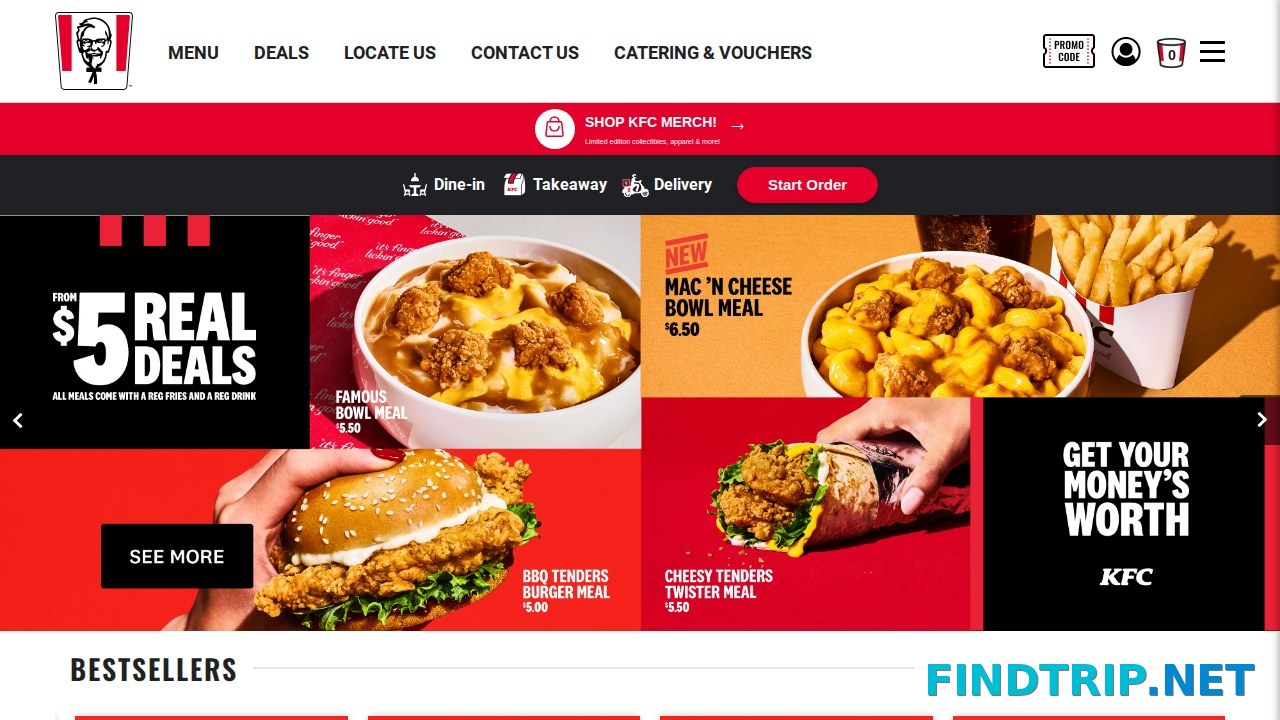
Planning your next fast-food run or delivery order in Singapore? This guide provides a direct, practical checklist for visiting or ordering from KFC rather than an extended brand review. Use these straightforward steps to ensure a seamless ordering experience from pre-meal preparation to post-meal cleanup.
---
1. Quick Reference & General Details
Before heading out or placing an online order, review this quick summary of key operational details for this location.
| Information Category | Details / Status |
| :--- | :--- |
| Location Address | 30 Sembawang Drive, Bishan New Town, Singapore, SG |
| Official Website | [https://www.kfc.com.sg/](https://www.kfc.com.sg/) |
| Opening Hours | Unconfirmed (Varies by outlet; check website or app) |
| Reservations | Not Applicable (Walk-in, self-service kiosk, takeaway, delivery) |
| Contact Number | Unconfirmed (Refer to official site for outlet hotline) |
| Ordering Methods | In-store counter, self-service kiosk, mobile app, web delivery |
---
2. What to Prepare Before Visiting or Ordering
To save time and avoid hiccups at the counter or during checkout, complete these quick preparation steps:
- Download the Official Mobile App: Install the KFC Singapore App on iOS or Android to access exclusive app-only coupons, flash deals, and rewards points.
- Prepare Local Payment Options: Ensure you have ready digital payment methods such as PayNow, GrabPay, contactless credit/debit cards, or cash for physical counter services.
- Verify Outlet Operating Hours: Double-check opening times on the KFC Singapore portal if you plan to visit late at night or early morning, as specific outlet hours vary.
- Check Active Promo Codes: Browse through current digital coupons or banking promotions to lower your total order cost before selecting your meal items.
- Set Up Delivery Address: If ordering online via the website, set your delivery location first to verify store availability and delivery menu options in your specific zone.
---
3. On-Site & Ordering Step-by-Step Checklist
When you arrive at the store or open the digital menu, follow these actionable steps in order for an efficient transaction:
1. Locate the Ordering Station: Walk up to an available self-service kiosk inside the outlet or open your active session on the official app.
2. Select Your Preferred Chicken Recipe: Choose between classic Original Recipe (herbs and spices) or Hot & Crispy, or check for limited-time seasonal flavors.
3. Customize Your Meal Sides and Drinks: Swap standard items (such as whipped potato or coleslaw) for premium upgrades or alternative beverages depending on meal set options.
4. Apply Coupons and Rewards: Scan your member barcode or input digital coupon codes at the kiosk interface before moving to the final payment screen.
5. Complete Contactless Payment: Tap your card or scan the QR code to process the transaction, then save your printed or digital queue ticket.
6. Collect and Verify Your Order: Watch the queue display status, pick up your tray or takeaway bag at the collection counter, and verify all sauces, sides, and main items are included.
---
4. Post-Meal & Departure Checklist
Once you have finished your meal or completed your pickup, keep these final operational points in mind:
- Clear Your Dining Table: In accordance with local dining etiquette and regulations in Singapore, return your trays, food wrappers, and drink cups to designated tray-return stations.
- Keep Digital Receipts: Retain your transaction receipt or app order history in case of order discrepancies or for expense tracking.
- Check Loyalty Points: Open your KFC account profile to confirm that purchase points have been properly credited to your rewards balance.
---
By following this straightforward checklist, you can enjoy a hassle-free and efficient dining experience with KFC in Singapore.