How to Set Up and Use Bankwest Digital Banking Services in Dubbo, NSW
Step-by-step guide on setting up, activating, and managing Bankwest accounts, virtual cards, and digital banking features in Dubbo, NSW.
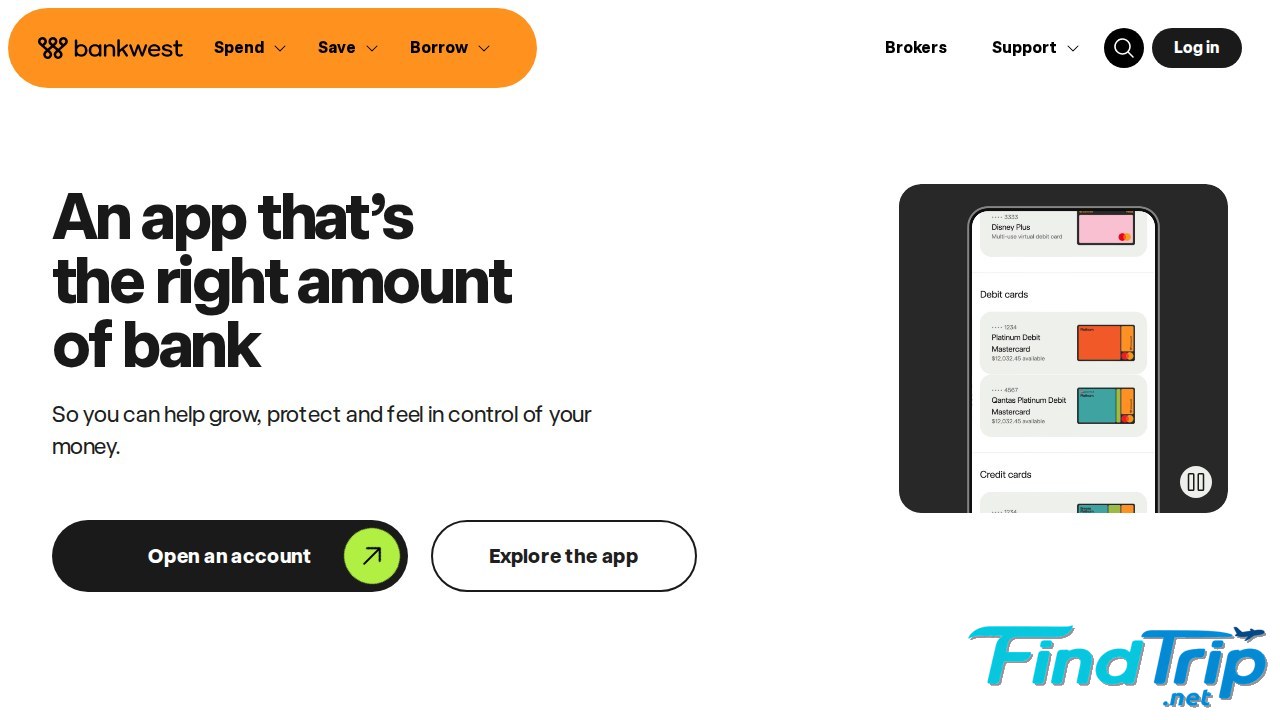
Managing your everyday finances, savings, and loans digitally requires a straightforward, step-by-step workflow. Bankwest operates as an Australian digital bank offering home loans, savings accounts, term deposits, credit cards, and everyday transaction accounts. Residents in Dubbo and across New South Wales can complete most banking tasks directly through digital channels without visiting a physical branch.
Understanding how to set up your profile, navigate account linking requirements, and use self-service features helps ensure a smooth banking experience.
---
Step-by-Step Guide to Opening and Managing Your Account
Setting up your Bankwest digital banking involves four main stages: selecting the correct account structure, retrieving your access credentials, setting up digital payment tools, and using account management features.
Step 1: Select Your Account and Review Requirements
Before applying online or via the Bankwest App, identify the specific account that matches your financial needs:
- Everyday Banking: Options like the Easy Transaction Account provide zero account fee structures for daily spending.
- Savings Accounts: Options such as the Easy Saver offer competitive introductory variable interest rates. Note that an Easy Saver account requires a linked Easy Transaction Account to operate.
- Credit Cards & Home Loans: Choose between low rate, rewards, or no-annual-fee credit cards, or explore variable and fixed-rate home loans using online calculators.
Make sure you have valid photo identification (such as an Australian driver licence or passport) ready during the application process.
Step 2: Retrieve Your Credentials and Log In
Once your application is approved:
1. Locate your Personal Access Number (PAN), which is provided in your welcome communications.
2. Download the Bankwest App on your smartphone (compatible with iOS and Android).
3. Follow the first-time log-in prompts to establish your password and enable secure biometric login (Fingerprint or Face Identification).
Step 3: Activate Payment Options and Virtual Cards
After logging in, you can configure immediate digital payment capabilities:
- Card Activation: Activate physical debit or credit cards directly inside the app under card settings.
- Virtual Cards: Eligible accounts (such as the Easy Transaction Account, Offset Transaction Account, or retail credit cards) allow you to generate single-use or multi-use virtual cards for safe online shopping.
- Digital Wallets: Add your cards to Apple Pay, Google Pay, or Samsung Wallet directly from the app.
- PayID: Register your phone number or email address as a PayID for instant transfers.
Step 4: Track Payments and Manage Everyday Banking
Use built-in app tools to maintain control over your money:
- Subscriptions Manager: Track recurring digital subscriptions in one location.
- Upcoming Payments: View scheduled direct debits and transfer deadlines to avoid unexpected account shortfalls.
- Self-Serve Support: Search help topics, request financial hardship assistance, or report lost, stolen, or damaged cards directly through the app interface.
---
Common Errors and How to Avoid Them
When managing digital banking accounts, user errors or misunderstandings regarding product terms can cause unnecessary delays. Below are frequent issues and practical steps to resolve them.
| Issue | Cause | Solution |
| :--- | :--- | :--- |
| Easy Saver Intro Rate Not Applied | Account held previously within 2 years, or no linked Easy Transaction Account present. | Verify that you link a valid Easy Transaction Account and confirm you haven't held an Easy Saver intro rate in the last 24 months. |
| Virtual Card Option Missing | Product type is ineligible for virtual card generation. | Virtual cards are available on Easy Transaction, Offset Transaction, Retirement Advantage, and retail credit cards. Check account eligibility in the app terms. |
| Locked Out / Forgotten PAN | Entering incorrect login details multiple times. | Use the "Finding your Personal Access Number (PAN)" or password reset workflow on the login screen, or contact 24/7 support. |
| Unrecognised Card Charge | Recurring subscription or fraudulent merchant activity. | Use the Subscriptions Manager to verify recurring merchants, or select "Dispute a transaction" in the app menu to flag unauthorized charges. |
---
Summary and Key Recommendations
Bankwest offers a completely digital approach to handling transaction accounts, savings, credit cards, and home loans for customers in Dubbo and across NSW. To ensure seamless operation:
- Ensure you link required primary accounts (like the Easy Transaction Account) when opening specific savings products like Easy Saver.
- Utilize features such as virtual cards and PayID to protect account security during online transactions.
- Always review the official Product Disclosure Statement (PDS) and Target Market Determinations (TMD) on the official Bankwest portal before opening new financial products.