How to Order and Experience Playa Bowls in DeWitt: A Step-by-Step Guide
Learn how to order at Playa Bowls in DeWitt, NY. Step-by-step guide on app rewards, bowl customization, store pickup, and catering at 3401 Erie Blvd E.
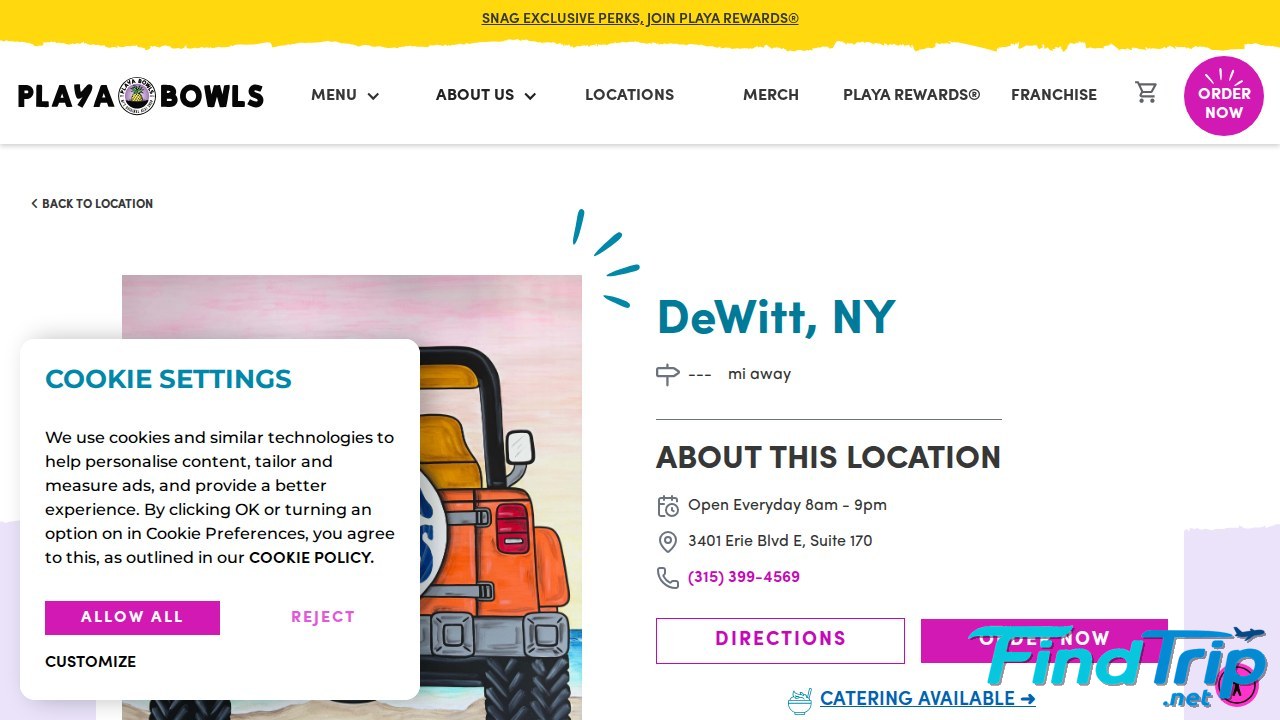
Playa Bowls at 3401 Erie Boulevard East, Suite 170 in DeWitt, NY, offers a bright, high-energy environment built around superfruit bowls, fresh smoothies, cold-pressed juices, and specialty cold brews. Whether you are grabbing a quick breakfast before work, fueling up after a workout, or planning a catered event for a local office on Erie Blvd, knowing how the ordering and service workflow operates makes the entire process faster and hassle-free.
This guide walks you step-by-step through setting up your loyalty account, navigating the menu customization process, picking up your order in-store, handling transactions, and avoiding common ordering mistakes.
---
Workflow Overview: Ordering at Playa Bowls DeWitt
Getting your meal at Playa Bowls follows a streamlined system designed for both walk-in customers and digital app users. Here is the general flow of how your visit or order will proceed:
```
[ Step 1: Download App & Register Playa Rewards ]
│
▼
[ Step 2: Select Items & Customize Bases/Toppings ]
│
▼
[ Step 3: Choose Service Method (In-Store / Pick-Up) ]
│
▼
[ Step 4: Complete Payment & Collect / Schedule Catering ]
```
---
Step 1: Setting Up Your Account and Joining Playa Rewards®
Before placing your first order, setting up a account through the official mobile application or online portal is recommended if you plan on visiting regularly.
Downloading the App and Registration
1. Download the App: Search for the official "Playa Bowls" app on the iOS App Store or Google Play Store.
2. Create Your Account: Open the app and select the registration option. You will need to enter your name, email address, and phone number.
3. Select Your Primary Location: Set your favorite or primary location to 3401 Erie Blvd E, Suite 170, DeWitt, NY. This ensures local menu availability, seasonal specials, and operating hours reflect this specific store.
How Playa Rewards® Works
- Earning Points: Every purchase made through the app, online ordering portal, or by scanning your loyalty QR code at the register earns points toward free bowls, smoothies, and merchandise.
- Redeeming Rewards: Accumulated points unlock discount tiers that can be applied directly at checkout in the app or scanned by the cashier at the counter.
- Special Promotions: App members receive notifications for limited-time menu items (such as fall seasonal releases like the Jacked 4 Pumpkin line) and member-only promotions.
---
Step 2: Selecting and Customizing Your Order
The menu at Playa Bowls revolves around customizable bases and toppings, along with handcrafted beverages. Understanding how to build your order prevents confusion at the counter or in the app.
Understanding the Menu Structure
Playa Bowls categorizes its menu items into several key distinct offerings:
- Bowls: Built on base choices like Açaí, Pitaya (dragon fruit), Coconut, Green (kale/spinach mix), Oatmeal, or Banana.
- Smoothies: Blended fruit and superfruit drinks made with dairy-free bases or milk alternatives.
- Surf Quenchers: Refreshing iced fruit juice beverages.
- Juices: Freshly squeezed combinations tailored for energy and wellness.
- Cold Press Juices & Cold Brew: Grab-and-go bottled juices and specialty coffee beverages.
Customization Options Checklist
When building a signature bowl or designing your own, follow these step-by-step selections:
- [ ] Choose Your Base: Select from Açaí, Pitaya, Coconut, Green, Banana, or Oatmeal.
- [ ] Select Your Crunch: Standard bowls come with blueberry-flax granola (gluten-free granola options are available upon request).
- [ ] Add Fresh Fruit Toppings: Choose fresh banana slices, strawberries, blueberries, kiwi, pineapple, or mango.
- [ ] Pick Your Drizzle: Select raw honey, peanut butter, Nutella, cookie butter, or almond butter.
- [ ] Add Boosters / Superfoods: Optional additions include chia seeds, hemp seeds, cacao nibs, bee pollen, whey protein, or plant-based protein powders.
Managing Dietary Needs and Allergies
- Gluten-Free: Ask for gluten-free granola when ordering at the counter or select the gluten-free granola modifier in the app.
- Nut Allergies: Peanut butter, almond butter, and coconut are used heavily in store. If you have a severe nut allergy, notify the staff immediately so they can clean utensils and prepare your bowl on a sanitized surface.
- Vegan Options: Most bases, fruits, and drizzles (except honey) are naturally plant-based. Substitute honey with agave nectar or extra fruit drizzle.
---
Step 3: Pick-Up, Check-In, and In-Store Experience
Whether you order ahead digitally or walk in off Erie Boulevard East, knowing store procedures makes your visit efficient.
Store Details and Location Info
- Address: 3401 Erie Blvd E, Suite 170, DeWitt, NY 13214
- Phone Number: (315) 399-4569
- Standard Hours: Open Everyday from 8:00 AM to 9:00 PM.
In-Store Pick-Up Process for Digital Orders
1. Arrival: Park in the plaza parking lot outside Suite 170 on Erie Boulevard East.
2. Locate the Pick-Up Station: Walk inside and locate the dedicated mobile/online order pickup shelf.
3. Verify Your Name: Orders are arranged alphabetically or by order number on ticket slips attached to the bags or bowl lids.
4. Double-Check Your Items: Ensure all cold drinks, juices, or extra side toppings are included before leaving the store.
Walk-In Counter Ordering Process
1. Line Up at the Counter: Review the overhead menu boards while waiting.
2. Place Your Order: Inform the cashier of your choices, including base modifications or allergen notices.
3. Provide Rewards Info: Open your Playa Bowls app and scan your loyalty barcode at the scanner before completing payment.
4. Receive Your Order: Wait in the seating area; staff will call your name when your bowl or beverage is freshly prepared.
---
Step 4: Completing Payment, Checkout, and Catering Options
Playa Bowls offers straightforward payment channels for quick personal orders as well as large group bookings.
Accepted Payment Methods
- Digital Orders (App/Website): Major credit cards, debit cards, gift cards, and Apple Pay / Google Pay via app integration.
- In-Store Purchases: Credit/debit cards, contactless tap payments, physical Playa Bowls gift cards, and cash.
How to Request Group Catering
If you are ordering for an office function, school event, or party in the DeWitt or greater Syracuse area:
1. Access the Catering Portal: Go to the official website or click the catering link on the DeWitt location page.
2. Choose Catering Items: Options typically include miniature bowl trays, customizable superfruit bowls, or bottled juice bundles.
3. Set Delivery or Pickup Details: Enter your preferred pickup date, time, and headcount.
4. Confirm with Store Staff: After submitting your digital request, call the store directly at (315) 399-4569 to confirm details, special dietary requirements, and payment authorization.
---
Common Mistakes and How to Avoid Them
Even with an easy ordering process, customers sometimes run into small hiccups. Here is how to avoid the most frequent mistakes:
| Issue / Mistake | Why It Happens | How to Avoid / Fix It |
| :--- | :--- | :--- |
| Ordering from the wrong store location | Multiple store locations exist across New York state. | Double-check that your app shows 3401 Erie Blvd E, Suite 170, DeWitt, NY before confirming payment. |
| Forgetting to claim rewards points | Paying at the cash register without scanning the app. | Open your loyalty QR code before tapping your card or handing over cash. Cashiers cannot add points retroactively after the receipt closes. |
| Melting bowls on pickup | Placing mobile orders too far in advance during high summer heat. | Schedule your estimated pickup time accurately in the app so staff prepare your fresh superfruit bases closer to your actual arrival. |
| Allergy cross-contamination | Relying solely on default item names without specifying dietary restrictions. | Always check off allergen notes in the mobile app or speak directly to the staff behind the counter. |
| Missing custom toppings | Forgetting to expand modification options in the mobile menu interface. | Tap into the item details screen in the app to review and check off all desired drizzles, seeds, or protein additions before adding to your cart. |
---
Final Guidance for a Smooth Visit
Visiting Playa Bowls in DeWitt is straightforward once you know how the menu works and how to use the ordering channels. For the fastest experience during peak morning hours or lunchtime, order ahead through the Playa Rewards® app, select your specific base and allergen options, and use the dedicated pickup rack inside the store at 3401 Erie Blvd E, Suite 170. If you have specific dietary questions or need to confirm a catering arrangement, reaching out directly to the DeWitt team at (315) 399-4569 ensures your order is prepared exactly to your preferences.