How to Experience E-Sarn Thai Corner: Step-by-Step Dine-In & Ordering Guide
Learn how to dine in, order online, or pick up food from E-Sarn Thai Corner at Pasir Panjang Road, Singapore. Includes operational timing and tips.
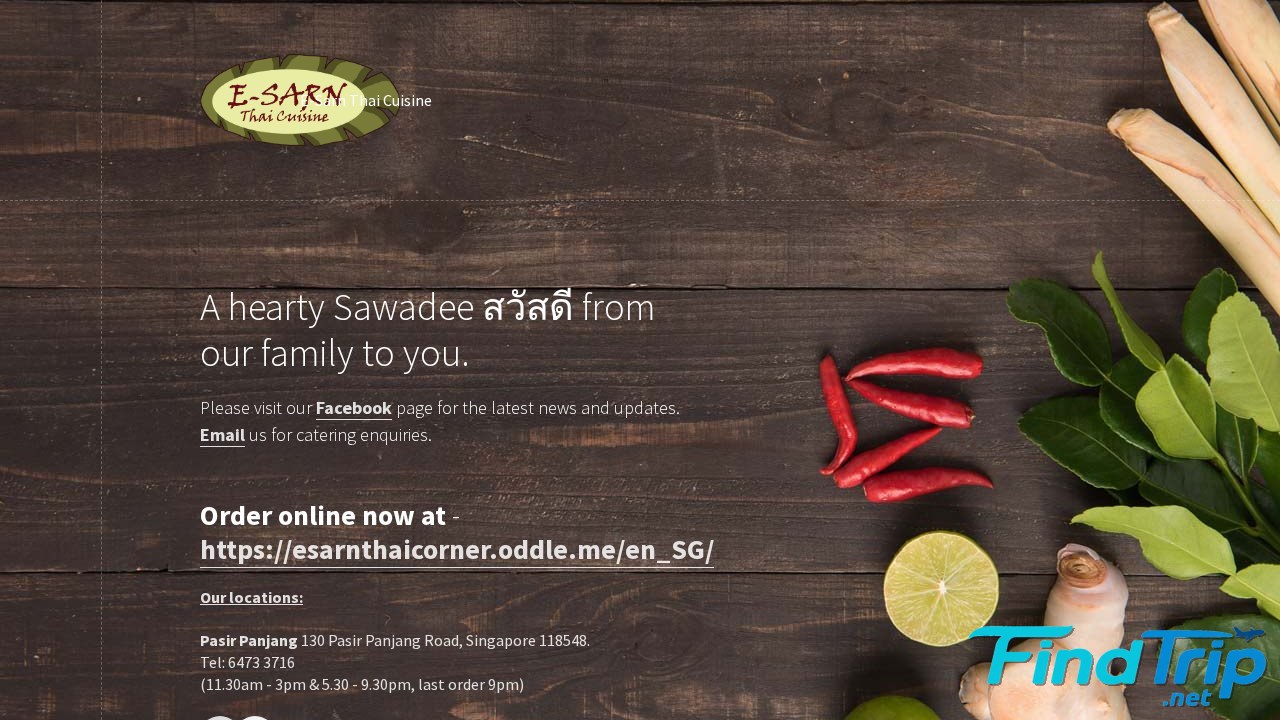
Planning a meal at E-Sarn Thai Corner involves choosing between a sit-down meal at their Pasir Panjang location or placing an online order for delivery. Operating with specific split-shift opening hours and dedicated online platforms, knowing how to navigate their service flow saves time and prevents unexpected delays.
Here is a practical, step-by-step guide on how to prepare, order, check in, and pay when dining with or ordering from E-Sarn Thai Corner.
---
Step 1: Choose Your Service Channel
Before making plans, decide whether you intend to dine in person, pick up takeaway, or order home delivery.
- Dine-In & Direct Takeaway: Head straight to the physical outlet at 130 Pasir Panjang Road. For table enquiries or direct lunch/dinner reservations, call the restaurant directly at 6473 3716.
- Online Delivery & Islandwide Ordering: Use their dedicated Oddle delivery portal (`esarnthaicorner.oddle.me`) to schedule delivery or advance pickup.
- Large Catering Orders: If you are organizing a large event or group function, contact the team via email rather than using standard online delivery channels.
---
Step 2: Time Your Visit & Check In
If you are dining in or picking up food on-site, timing your arrival around their daily operating schedule is critical.
| Service Window | Operating Hours | Key Notes |
| :--- | :--- | :--- |
| Lunch Session | 11:30 AM – 3:00 PM | Kitchen closes for mid-day break at 3:00 PM |
| Dinner Session | 5:30 PM – 9:30 PM | Last kitchen order is strictly at 9:00 PM |
Arriving and Checking In:
1. Locate the Venue: The restaurant is located at 130 Pasir Panjang Road, Singapore 118548.
2. Table Check-In: Inform staff at the entrance if you have an existing phone booking or require a table for walk-in dining.
3. Takeaway Pick-Up: If you ordered via Oddle for pickup, state your order confirmation name or reference number at the front counter upon arrival.
---
Step 3: Select Menu Items & Place Your Order
The ordering method varies based on how you access the service:
- In-Person Ordering: Browse the physical menu provided at your table. Communicate your dish preferences and spice levels to the service staff.
- Online Ordering (Oddle Platform):
1. Access the official online storefront.
2. Select your preferred delivery date and time slot, or choose self-pickup.
3. Browse menu categories, add items to your cart, and include any special dietary instructions in the order notes field.
---
Step 4: Complete Payment & Transaction
Once your order is finalized, conclude the transaction through the appropriate channel:
- Dine-In Settlement: Payment is completed at the end of your meal at the cashier counter. Check your bill itemization before making payment via supported local payment methods.
- Online Payment: Online orders require upfront payment during checkout on the Oddle platform using accepted debit/credit cards or digital payment options.
- Receipt Verification: Keep your physical bill or digital confirmation email to verify your order items upon delivery or pickup.
---
Common Service Mistakes to Avoid
- Arriving During the Afternoon Break: The restaurant closes between 3:00 PM and 5:30 PM daily. Attempting to walk in or place last-minute lunch orders during this window will result in a closed kitchen.
- Missing the Kitchen Cut-Off: The dinner service ends at 9:30 PM, but last orders are taken at 9:00 PM. Arriving after 9:00 PM means you will not be able to order cooked food.
- Confusing Catering with Regular Orders: Standard online ordering links handle everyday meal deliveries. Email the restaurant directly for bulk catering inquiries to ensure proper menu planning and delivery logistics.
- Relying on Outdated Information: Check the official E-Sarn Facebook page for temporary holiday closures, special announcements, or seasonal updates before heading down.
---
Final Recommendation
Using E-Sarn Thai Corner's services is straightforward once you account for their split operating hours and kitchen cut-offs. For regular meals, visit during operating windows or order online in advance. For group events, email ahead of time to confirm catering arrangements seamlessly.