Guide to Ordering from Taco Bell on Southland Drive, Fairmont
Learn how to order online, use the mobile app, and pick up food at the Taco Bell located at 11 Southland Drive in Fairmont, WV. View hours and menu details.
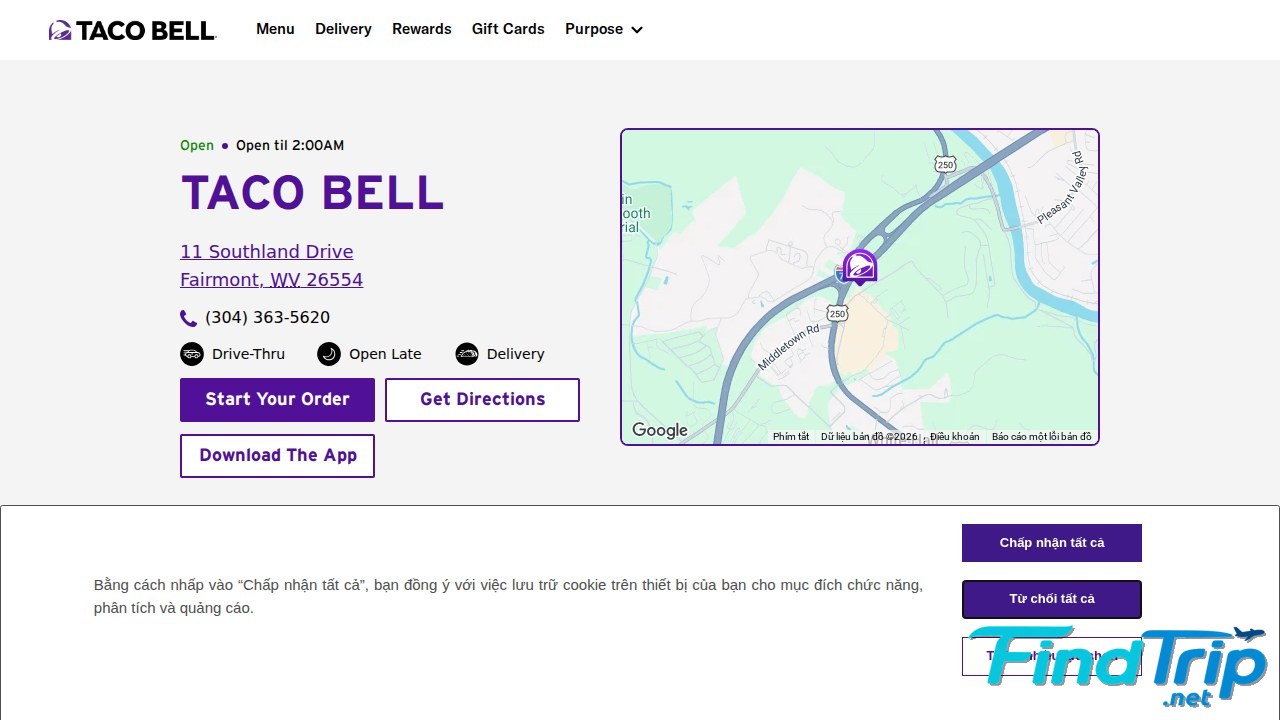
Navigating local dining options requires accurate, up-to-date information, especially when you are relying on mobile apps and digital ordering systems. If you are planning a visit to the Taco Bell located in Fairmont, West Virginia, understanding how their specific digital ordering, drive-thru, and pickup systems operate will save you time. This guide provides a detailed walkthrough for utilizing the services at this specific McDowell County area location.
Understanding This Ordering Guide: Important Disclaimers
Before detailing the menu and ordering processes for the Fairmont location, it is important to establish the purpose of this guide. This article serves as an informational resource for travelers and locals using FindTrip.net to plan their meals. This is not a legally binding document, official corporate policy, or professional nutritional advice.
When utilizing fast-food mobile applications or creating an account for digital rewards, you are entering into an agreement directly with the franchise and its corporate entity. The official source explicitly notes that a standard 2,000 calories a day is used for general nutrition advice, but individual calorie needs vary. Furthermore, additional nutrition information is only available upon request directly from the restaurant.
For the most accurate and legally binding terms regarding data privacy, user agreements, the Taco Bell Rewards program, and specific dietary allergen information, you must consult the official Taco Bell application or website. Prices, participation, and exact operating hours are subject to change without prior notice, and tax is always extra. Always read the official terms of use and privacy policies before creating a digital account or submitting payment information online.
Location Details, Operating Hours, and Menu Availability
To successfully plan your meal, you must first understand the specific operational conditions of the Taco Bell at 11 Southland Drive, Fairmont, WV 26554. You can reach the restaurant directly at (304) 363-5620.
This location operates with distinct hours for its drive-thru and its dine-in services. Knowing these hours is crucial, as arriving at the wrong time may limit how you can receive your food.
Drive-Thru Hours of Operation:
The drive-thru at this location caters heavily to the late-night crowd.
- Thursday through Saturday: 9:00 AM - 3:00 AM
- Sunday through Wednesday: 9:00 AM - 2:00 AM
Dine-In Hours of Operation:
The official source currently only provides specific dine-in hours for one day of the week.
- Thursday: 9:00 AM - 10:00 PM
- Note on Dine-In: Because the source does not list the interior dining hours for Friday through Wednesday, you should not assume the lobby is open late. It is highly recommended to check the official mobile app on the day of your visit to confirm if the interior counter is accessible, or simply plan to use the drive-thru if you are visiting after 10:00 PM.
Menu Conditions and Offerings:
When ordering from the Southland Drive location, you have access to a wide variety of standard and specialty items. The menu is categorized to help you find specific cravings. Based on the official location data, the following categories and specific items are confirmed to be available:
- Classic Items: Standard soft and crunchy tacos, burritos, quesadillas, and nachos.
- Specialties: Items unique to the brand, including the Mexican Pizza, Crunchwrap Supreme®, and the Cheesy Gordita Crunch.
- Luxe Value Menu: A selection of 10 favorite items priced at $3 or less. This includes budget-friendly options like the Cheesy Bean and Rice Burrito and the Spicy Potato Soft Taco.
- Cantina Chicken Menu: Featuring marinated, slow-roasted chicken. Specific items include the Cantina Chicken Crispy Taco and the Cantina Chicken Bowl, which are marketed for daytime cravings.
- Combos & Boxes: Packaged meals that include favorite menu items alongside a drink, such as the Luxe Boxes.
The restaurant also serves distinct menus based on the time of day, including Breakfast, Lunch, Happier Hour, and Dinner.
Steps for Ordering on the Official Site or Mobile App
To streamline your experience at the Fairmont location, the restaurant highly encourages ordering ahead. This can be done either through their official website or by downloading the Taco Bell mobile application. Using the digital platform is also the only way to access the Taco Bell Rewards program.
Here is the step-by-step process for placing a digital order for the 11 Southland Drive location:
1. Access the Platform: Open the official Taco Bell mobile app (available via a scan-to-download feature on their site) or navigate to their main website.
2. Select the Correct Location: Use the location finder to input "Fairmont, WV" or the zip code "26554". Ensure that you specifically select the 11 Southland Drive restaurant. Choosing the wrong location will send your food to a different store, and refunds for user error can be difficult to process.
3. Choose Your Fulfillment Method: Before adding items to your cart, the system will ask how you want to receive your food. You must choose between:
- In-Store Pickup: Only available during active dine-in hours.
- Drive-Thru Pickup: Available late into the night (until 2:00 AM or 3:00 AM depending on the day).
- Delivery: The app allows you to request delivery directly to your location in Fairmont.
4. Browse and Customize: Navigate through the menu categories (Tacos, Burritos, Luxe Value Menu, etc.). The digital interface allows for extensive customization—you can add extra nacho cheese sauce, remove certain toppings, or swap proteins.
5. Apply Rewards and Offers: If you have created an account, check the "Offers & Deals" section. The source explicitly states that you can "Redeem exclusive rewards only on the app." Apply any valid points or digital coupons to your cart before proceeding.
6. Complete Payment: Enter your credit card, debit card, or digital wallet information to finalize the transaction. You will receive a digital receipt and an order confirmation number.
What to Bring for Order Pickup
If you have chosen to pick up your food at the restaurant rather than opting for delivery, you need to be prepared when you arrive at the Southland Drive location. While fast food is designed for convenience, having the right items ready ensures a smooth handoff between the staff and yourself.
Based on standard operating procedures for digital fast-food orders, here is a checklist of what you should have with you when arriving at the restaurant:
| Item to Bring | Purpose | Necessity |
| :--- | :--- | :--- |
| Mobile Device with App | To prove ownership of the order and reference the exact items purchased. | Highly Recommended |
| Order Name / Number | The primary way staff identifies your food in their system. | Mandatory |
| Original Payment Method | In the rare event of a system crash or payment dispute, having your physical card is helpful. | Optional but suggested |
| Valid Vehicle | If you are picking up between 10:00 PM and 3:00 AM, the lobby is likely closed. You must have a vehicle to use the drive-thru lane. | Mandatory for Late Night |
If you are a driver working for a third-party delivery service picking up an order on behalf of a customer, you must bring your smartphone with the active delivery app open. The restaurant staff will need to verify the customer's name and order number on your screen before handing over the sealed delivery bags.
Confirming Your Order and Finalizing Your Visit
The final step in the process is the actual retrieval and verification of your food at the 11 Southland Drive location. Whether you are walking into the dining room or pulling up to the drive-thru speaker, the procedure requires active confirmation.
When you arrive at the drive-thru speaker, do not attempt to place a new order if you have already paid on the app. Instead, clearly state, "I am here to pick up a mobile order for [Your Name]." The staff will confirm the name and instruct you to pull forward to the window. If you are picking up inside, look for the designated mobile order pickup signage near the main counter.
Crucial Verification Steps:
- Check the Bag: Before driving away or leaving the lobby, quickly look inside your bag. Ensure that specialty items like the Crunchwrap Supreme or your specific Cantina Chicken Menu choices are present.
- Verify Customizations: If you used the app to remove an allergen or add a specific sauce, check the wrappers to ensure the kitchen followed the digital instructions.
- Check the App: Open your Taco Bell app to confirm that the order status has changed to "Completed" and that any Rewards points earned from the transaction have been successfully credited to your account.
If you discover an error after leaving the premises, you will need to contact the restaurant directly at (304) 363-5620 or use the "Help & FAQs" section within the official mobile app to request a resolution. By following this structured approach to ordering, your visit to the Fairmont Taco Bell will be efficient, accurate, and convenient.