Fit · Bloc Cancellation and Modification Rules: What You Need to Know Before Booking
Essential guide to cancellation, pass freeze, and modification policies at Fit · Bloc in Singapore before booking your session.
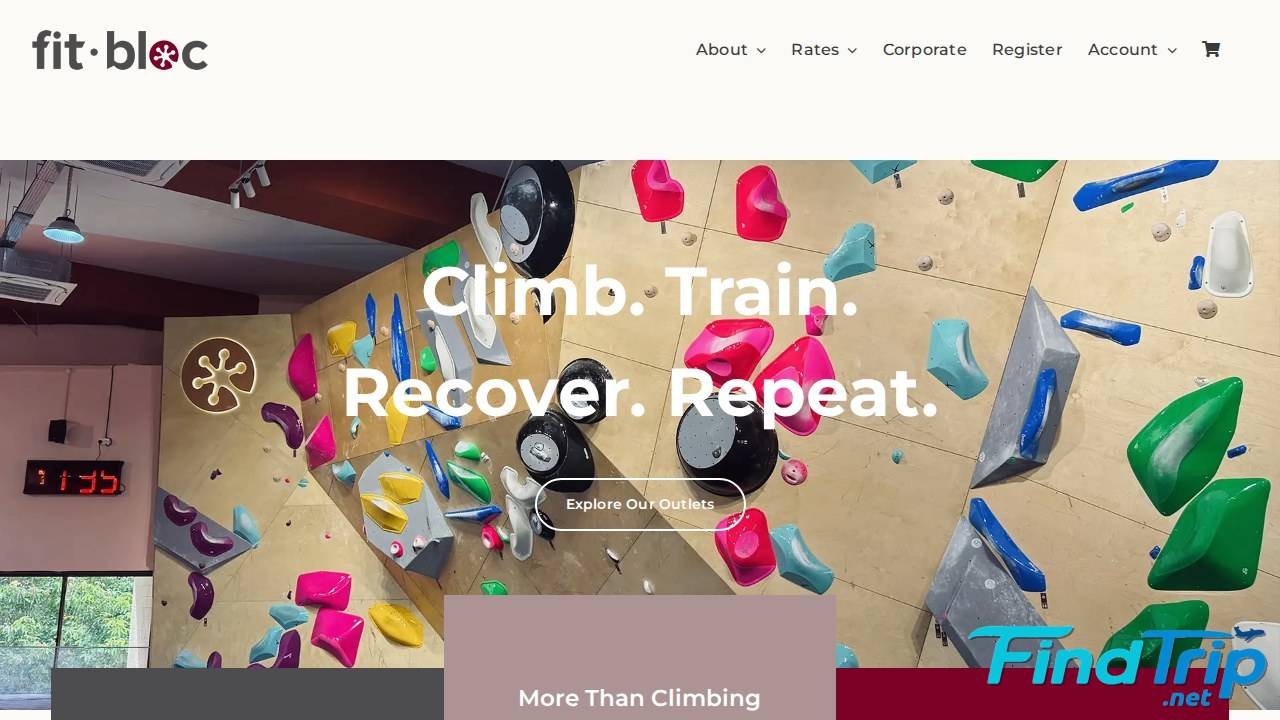
When planning a session at Fit · Bloc, understanding pass modification and cancellation rules is far more important than just comparing entry rates. Whether you are purchasing an individual pass, signing up for an Experience Bundle, or maintaining an unlimited membership, flexible terms protect your budget when unexpected schedule changes, work commitments, or injuries occur. Knowing how adjustments work before booking ensures you retain the full value of your passes.
Cancellation Windows and Policy Details
Based on available official details for Fit · Bloc (located at 87 Science Park Drive, Bishan New Town, Singapore, SG), pass management features depend on the specific type of pass or membership selected:
- Pass Freeze Options: The venue provides official "Freeze/Unfreeze" functionality for active pass holders. This allows long-term members to temporarily pause their subscription during travel, medical leave, or personal downtime without forfeiting unused days.
- Single Passes & Bundles: Exact cut-off windows for cancelling specific time slots, single-entry passes, or intro packages (such as the $55 Experience Bundle) are not explicitly detailed in the general venue overview.
- Refund Eligibility: As cut-off times and refund structures vary by product type, guests should refrain from assuming universal free cancellation windows. Always verify whether a canceled session converts to venue credit, a reschedule option, or a refund.
Reviewing Terms on Official Channels
Because specific booking terms can be updated based on outlet operations or pass promotions, you should always consult official documentation before placing a non-refundable booking:
1. Official Website FAQ: Visit the dedicated FAQ page on the main platform to check updated terms for pass validity, transferability, and slot cancellations.
2. Pass Rates & Terms Page: Review the fine print attached to individual rate categories (such as single entries versus Unlimited Monthly Passes) during checkout.
3. Account Portal: Registered users can log into their user account on the website to view specific terms tied to active pass products.
How to Properly Cancel or Modify Your Booking
To ensure your request is processed correctly without penalty, follow the official management channels provided by the venue:
| Request Type | Recommended Action Channel | Key Considerations |
| :--- | :--- | :--- |
| Membership Freeze | Website Account Portal ("Freeze/Unfreeze") | Check minimum freeze durations and notice requirements. |
| Session Reschedule | Online Account Portal | Modify bookings as early as possible before your designated slot. |
| Direct Inquiries | Outlet Desk / Support Contact | Contact the venue staff at 87 Science Park Drive or via official web channels for urgent assistance. |
Practical Takeaway
Before finalizing your session or pass purchase at Fit · Bloc, take a moment to review the specific freeze and modification terms inside your user account. Confirming these rules in advance ensures your climbing schedule remains flexible and keeps your training plan hassle-free.