Essential Visitor Checklist for Subway on 23 Union Street in Accrington
Planning a visit to Subway at 23 Union St, Accrington? Use this step-by-step checklist for opening hours, ordering tips, app rewards, and delivery details.
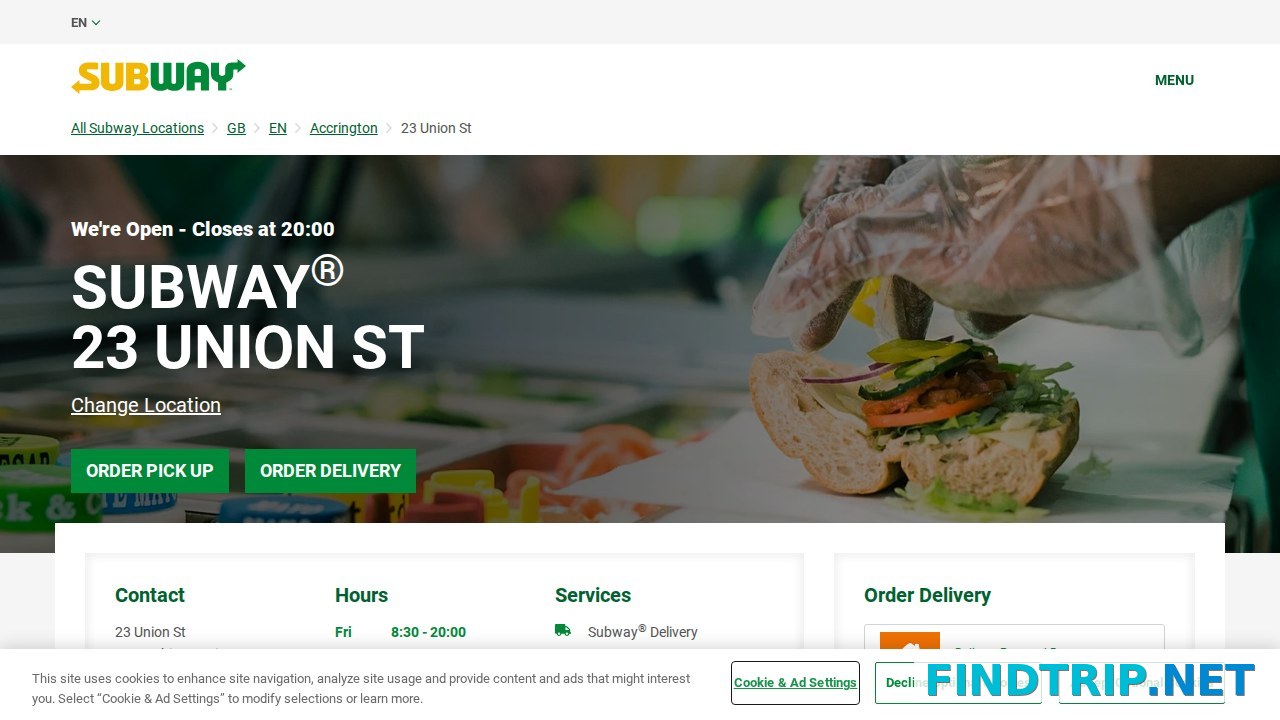
This essential checklist provides a practical guide for planning your visit or takeout order at Subway located on 23 Union Street, Accrington. Rather than an exhaustive culinary review, this quick reference outlines key store details, preparation steps, ordering workflows, and post-visit tips. Keep this guide handy to ensure a smooth, quick, and hassle-free sandwich run in town.
Store Details and Contact Information
Below is the verified operational information for this store location. Please refer to this snapshot before traveling to the venue or placing an online order.
| Detail Category | Details / Status |
| :--- | :--- |
| Address | 23 Union St, Lancashire, Accrington BB5 1PL, United Kingdom |
| Main Phone Number | 01254 393498 |
| Opening Hours (Mon–Sun) | 08:30 – 20:00 Daily |
| Table Reservations | Not applicable / Not accepted |
| Official Website | [Subway Store Page](https://restaurants.subway.com/united-kingdom/en/accrington/23-union-st) |
| Delivery Services | Just Eat, Uber Eats, Deliveroo |
| App Support | Subway® App / Subcard® system |
What to Prepare Before Your Visit
- Download the Subway® App: Ensure you have installed the official app on your smartphone to scan your loyalty QR code and earn points on your purchase.
- Check for Active Coupons: Review the app's deals section or local mailers for any current discounts, footlong promotions, or meal deal bundles.
- Confirm Your Payment Method: This store supports contactless mobile payments (such as Apple Pay and Google Pay), standard debit/credit cards, and cash.
- Set Up Third-Party Ordering: If ordering delivery rather than visiting in person, configure your delivery address ahead of time on Just Eat, Uber Eats, or Deliveroo.
- Review Dietary Preferences: Decide in advance on any vegetarian, plant-based, or allergen-specific menu items so you can order efficiently at the counter.
Step-by-Step Action Plan When You Arrive
1. Select Your Meal Format: Choose whether you want a standard 6-inch Sub, a Footlong Sub, a Wrap, or a Salad Bowl, and select your preferred freshly baked bread (e.g., Italian, Herbs & Cheese, or Wheat).
2. Choose Main Fillings and Toasting: Pick your meat or plant-based protein options, select your preferred cheese, and let the Sandwich Artist™ know if you want your sandwich hot and toasted.
3. Customize Your Crisp Vegetables: Select from the wide variety of fresh salads, including lettuce, tomatoes, cucumbers, peppers, onions, pickles, and jalapeños.
4. Add Signature Sauces and Seasonings: Complete your sub with choices like Chipotle Southwest, Sweet Onion, Garlic Mayo, or classic Mustard, plus a sprinkle of salt and pepper.
5. Pick Up Extras at the Counter: Round out your meal by adding freshly baked cookies, a bag of crisps, or a cold bottled beverage near the register.
6. Scan Rewards and Pay: Present your Subway app or loyalty card to be scanned before completing payment with cash or contactless card.
Post-Visit Reminders and Next Steps
- Verify Loyalty Points: Inspect your physical paper receipt or check the app digital ledger to confirm your rewards points were added correctly.
- Keep Receipts for Survey Rewards: Check the bottom of your receipt for details regarding the TellSubway customer survey to earn rewards on future orders.
- Inspect Delivery Packages: If ordering via Uber Eats, Just Eat, or Deliveroo, double-check all items upon arrival and report any discrepancies through the app's help center promptly.
- Recycle Packaging: Safely discard or recycle paper wrappers, napkins, and plastic drink bottles according to local recycling guidelines in Accrington.
Following this straightforward checklist guarantees a seamless, efficient, and tailored dining experience every time you visit or order from Subway on Union Street.