Essential Pre-Visit Checklist for Denny's on Route 211 East in Middletown
Use this practical pre-visit checklist for Denny's on 411 Route 211 East in Middletown, NY. Plan operating hours, app rewards, menu picks, and post-visit steps.
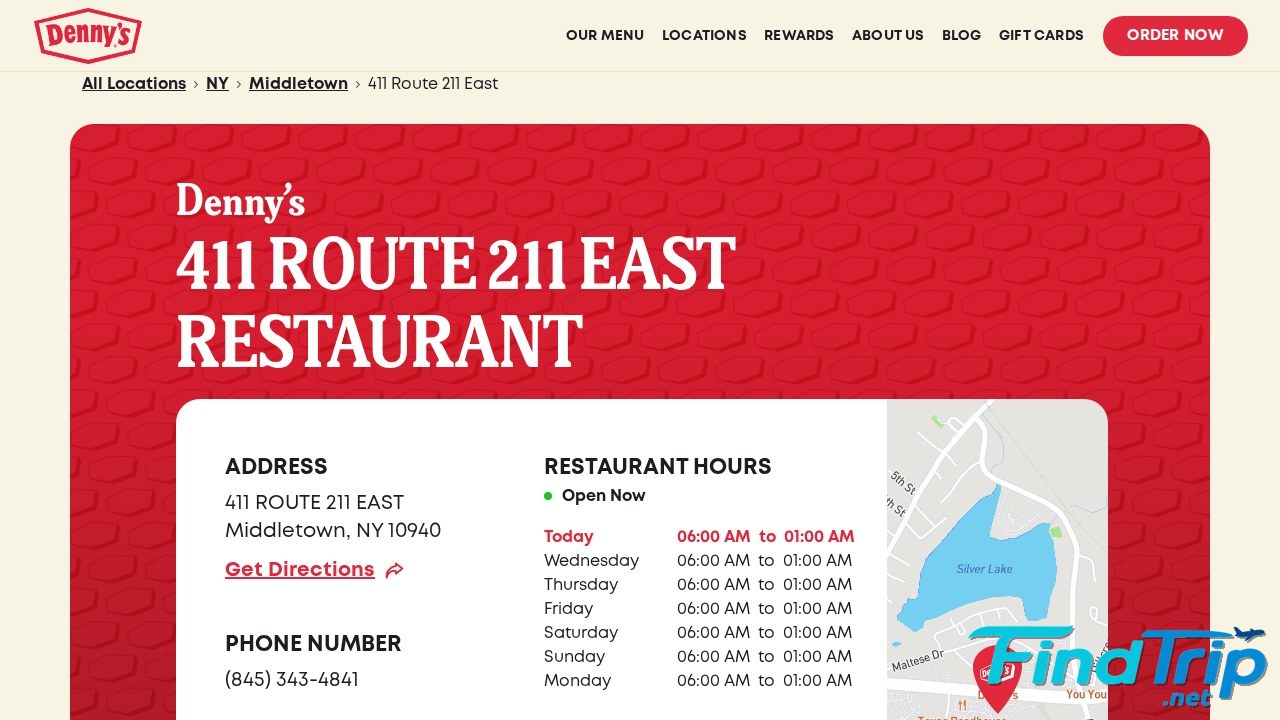
This document is structured as an actionable preparation checklist rather than a subjective dining review. It provides a clear, step-by-step framework to help you plan your visit to Denny's on Route 211 East in Middletown, New York. By completing these preparation, ordering, and post-dining tasks in sequence, you can ensure a smooth and efficient experience whether you are stopping by for breakfast, lunch, dinner, or a late-night meal.
---
Quick Reference Information
Before setting out, review the essential venue details below to confirm location specifics, contact channels, and operating parameters.
| Detail Field | Details / Verification Status |
|---|---|
| Restaurant Name | Denny's |
| Physical Address | 411 Route 211 East, Middletown, NY 10940 |
| Phone Number | (845) 343-4841 |
| Operating Hours | Monday – Sunday: 06:00 AM – 01:00 AM |
| Reservation Policy | Walk-ins welcome (Reservations unconfirmed / Not required) |
| Official Website | [locations.dennys.com](https://locations.dennys.com/NY/MIDDLETOWN/248196) |
| Mobile App & Rewards | Denny's App (Available for iOS and Android) |
| Service Options | Dine-in, Takeout, and Delivery |
| Wi-Fi Availability | Free Wi-Fi offered at most locations (Verify on arrival) |
| Specific Item Pricing | Unconfirmed in listing source (Check app or online menu prior to ordering) |
---
What to Bring and Prepare Before Visiting
Completing a few practical planning steps before leaving your house will save time, unlock digital discounts, and prevent unexpected schedule conflicts.
1. Verify Current Operating Hours and Driving Route
- Confirm Daily Schedule: While general brand promotions highlight round-the-clock options, the official listing for the Middletown location specifies operating hours from 06:00 AM to 01:00 AM seven days a week. Always check for holiday adjustments if planning a visit on major holidays like Thanksgiving or Christmas.
- Map Your Route: Set your GPS to 411 Route 211 East, Middletown, NY 10940. Route 211 East is a busy commercial corridor, so plan your turn-in ahead of time depending on local traffic flow.
- Check Parking Needs: Prepare for standard surface lot parking on-site. If traveling in a large group with multiple vehicles, coordinate arrival times to locate adjacent parking spaces easily.
2. Download and Configure the Denny's Mobile App
- Install the Official App: Search for "Denny's" on your smartphone’s app store to download the official mobile platform before departing.
- Create or Log Into Your Account: Set up a profile to earn rewards on your visit. The app allows built-in reward redemptions, easy saving of favorite orders, and delivery driver tracking for off-site orders.
- Check Available Promos: Open the rewards section in the app prior to arriving at the diner to see if any current digital coupons, birthday rewards, or promotional discounts apply to your order.
3. Review Menu Categories and Dietary Considerations
- Browse Core Categories: Review the menu online to decide whether you want breakfast favorites, Slamburgers, Melts & Handhelds, Sizzlin’ Breakfast Skillets, or dessert options.
- Identify Featured Breakfast Items: Signature items at this location include the Berry Waffle Slam® (Liège-style waffles topped with seasonal berries and caramel sauce, served with two eggs, bacon, and sausage), the T-Bone Steak & Eggs (13 oz. seasoned T-bone steak with eggs, hash browns, and toast or pancakes), the Country Fried Steak & Eggs, and the Salted Caramel Banana Pancake Slam®.
- Note Heavy-Duty Options: If you require a larger meal, review options like the Lumberjack Slam®, which combines bacon, sausage, ham, eggs, hash browns, and pancakes.
- Check Nutritional and Allergen Information: If you have specific food sensitivities or dietary restrictions, visit the nutrition and allergen documentation on Dennys.com beforehand to identify safe meal choices.
4. Gather Payment Methods and Group Details
- Prepare Acceptable Payment: Bring a valid credit card, debit card, cash, or a pre-loaded Denny's Gift Card. Mobile wallet compatibility may vary, so keeping a physical card on hand is recommended.
- Coordinate Party Size: Walk-ins are welcomed, and the dining room is equipped for both small tables and family groups. If you are dining with a large group (6 or more people), aim to arrive during off-peak morning or afternoon hours to minimize seating wait times.
---
What to Do Once You Arrive at the Diner
Follow these sequential steps from the moment you step inside the Middletown location to ensure an organized and efficient meal.
Step 1: Host Station Check-In and Seating
- Wait to Be Seated: Enter through the main entrance and wait at the host stand to be greeted by staff.
- Specify Seating Preference: Request your preferred seating arrangement (booth vs. standard table) and mention if you require high chairs or booster seats for children.
- Notify Staff of Large Groups: If your full party has not arrived yet, inform the host stand so they can stage an appropriately sized table area.
Step 2: Establish Table Setup and Digital Connectivity
- Connect to Guest Wi-Fi: Open your mobile device's network settings to locate and connect to the free guest Wi-Fi network if available.
- Open the Denny's App: Launch your app to have your digital membership barcode or online account ready for scanning when settling the bill.
- Examine Table Menus: Review the physical menus provided, paying attention to seasonal inserts or limited-time menu highlights.
Step 3: Placing Your Order
- Select Drinks First: Order your beverages early—choices typically range from hot fresh coffee and juices to soft drinks and iced tea.
- Customize Your Breakfast Items: When ordering Signature Breakfast Slams or Skillets, specify your precise preferences:
- Egg preparation style (e.g., scrambled, over-easy, sunny-side up).
- Choice of breakfast meats (e.g., Applewood-smoked bacon strips or all-pork sausage links).
- Side preferences (e.g., crispy hash browns, toast, or buttermilk pancakes).
- Confirm Special Preparation Requests: Clearly state any dietary adjustments, sauce requests, or dressing choices on the side to your server during initial ordering.
Step 4: Managing Takeout or Mobile Pickup Orders (If Applicable)
- Locate Pickup Counter: If you placed an order online for in-store pickup, bypass the dining queue and head directly to the designated pickup/cashier register.
- Verify Order Contents: Before leaving the counter, check your bag against the itemized order slip to confirm all sides, condiments, cutlery, and beverages are included.
Step 5: Settling the Bill
- Review Table Check: When your server presents the bill, verify that all ordered food items, drinks, and side substitutions are correctly calculated.
- Apply Rewards or Gift Cards: Present your smartphone to scan your Denny's App rewards barcode, or hand your physical gift card/coupon to the server before payment processing.
- Complete Payment: Pay using your chosen payment method and calculate an appropriate gratuity for your service team based on your dining experience.
---
Post-Visit Checklist and Departure Tasks
Wrap up your visit by completing these final tasks before driving away from the restaurant.
1. Verify Digital Account Points
- Check App Balance: Open your Denny's App after paying to confirm that your visit's transaction points have been properly credited to your account profile.
- Retain Paper Receipt: Keep your physical paper receipt in your wallet. If digital points fail to sync automatically, you can use the receipt details to request credit through customer support on Dennys.com.
2. Handle Leftovers and Takeout Items Properly
- Request To-Go Containers: If you have leftover portions of steaks, skillets, or pancakes, ask your server for appropriate takeaway containers and bags.
- Store Promptly: Ensure perishable leftovers are refrigerated within two hours of leaving the restaurant to maintain food safety.
3. Conduct a Personal Belongings Sweep
- Check Booth and Seat Areas: Before sliding out of your booth or leaving your table, check the seat cushions, floor area, and table surface for personal items such as smartphones, keys, wallets, or sunglasses.
- Check Children's Items: If dining with kids, ensure all toys, baby bottles, or outerwear are gathered before leaving the dining area.
---
Conclusion
Following this straightforward pre-arrival and dining checklist will help you maximize your time, take full advantage of mobile rewards, and enjoy a seamless meal at Denny's on Route 211 East in Middletown.