Essential Checklist for Visiting Starbucks Singapore: Smart Tips & Ordering Guide
Use this practical checklist for visiting Starbucks Singapore, covering app setup, custom drink orders, on-site steps, and post-visit reward tracking.
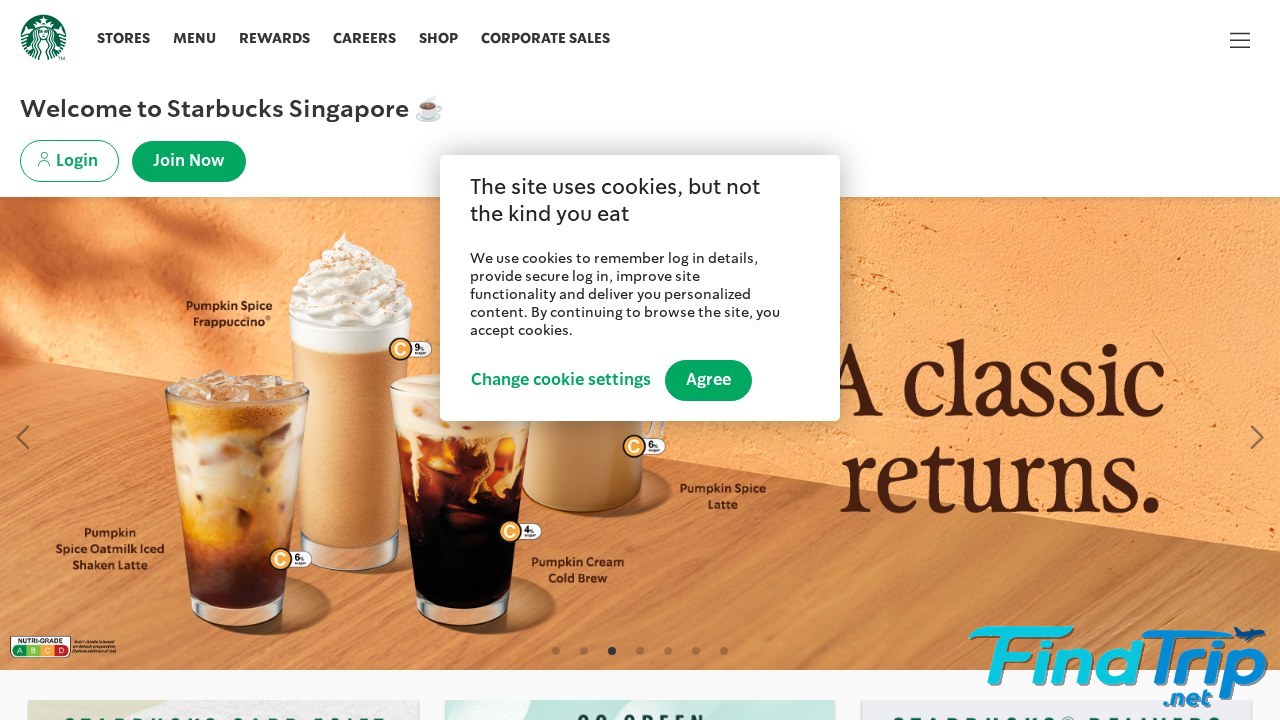
Planning a quick coffee run or a study session at Starbucks in Singapore? This practical checklist cuts straight to the point, bypassing lengthy reviews to give you actionable steps for a seamless café experience. From mobile app setup to drink customization, here is everything you need to prepare before, during, and after your visit.
Essential Store Details & Quick Information
Below is a quick-reference summary of essential location and service details to keep in mind before heading out.
| Information Category | Details / Status |
| :--- | :--- |
| Location Address | 9 Scotts Road, Bishan New Town, Singapore, SG |
| Operating Hours | Unconfirmed (Varies by individual store; check mobile app) |
| Reservations | Not applicable (Walk-in seating; event space bookings via website) |
| Contact Number | Unconfirmed (Refer to customer support on official site) |
| Official Website | [https://www.starbucks.com.sg/](https://www.starbucks.com.sg/) |
What to Prepare Before Your Visit
Proper preparation helps you save money, skip long waiting times, and get your beverage crafted exactly the way you like it.
- Download the Starbucks® Singapore Mobile App: Install the official local app to access mobile ordering, store locators, digital menu updates, and promotional deals.
- Register a Starbucks® Rewards Account: Link or activate a digital card within the app to earn Stars on every purchase and unlock member birthday treats and drink upgrades.
- Set Up Digital Payment Methods: Pre-load funds onto your digital Starbucks Card via credit/debit card, or prepare contactless options like Apple Pay, Google Pay, or local contactless payment methods.
- Bring a Reusable Tumbler: Support the "Go Green with Starbucks" initiative by bringing a clean personal cup to enjoy a bring-your-own-tumbler discount on handcrafted drinks.
- Plan Your Drink Customizations: Familiarize yourself with customized beverage options beforehand so you can order smoothly:
- Milk Choices: Select whole milk, 2%, nonfat milk, or non-dairy options (such as oat, soy, or almond milk).
- Syrup Adjustments: Request fewer pumps of syrup or opt for sugar-free syrups.
- Sweetener Substitutes: Choose alternatives like Stevia Blend, SPLENDA®, Equal®, or Sweet’N Low®.
- Whipped Cream & Foams: Request less whip, no whip, or add a layer of signature Cold Foam.
- Skinny Formula: Order your beverage "skinny" for nonfat milk, sugar-free syrup, and zero whipped cream.
Step-by-Step Checklist When You Arrive at the Store
Follow these sequential steps once you arrive at the café to ensure a smooth and hassle-free ordering process.
1. Find and Secure Your Table First: During busy peak hours in Singapore, seating can fill up rapidly; secure your preferred seat or working spot before placing an in-person order.
2. Browse the Local Food Case: Check out seasonal bakery items, fresh sandwiches, and Singapore-exclusive pastry offerings before approaching the cash counter.
3. State Your Order and Customizations Clearly: Communicate your preferred beverage size (Tall, Grande, or Venti), temperature (hot or iced), milk choice, and custom syrup levels directly to the barista.
4. Scan Your Starbucks® Rewards Barcode: Display your member barcode from the app before making a payment to ensure your purchase records correctly for Stars accumulation.
5. Collect Your Order at the Pickup Counter: Stand near the pick-up area, listen for your name or call-out number, and double-check your customized drink sticker before leaving the counter.
6. Return Trays and Clear Your Space: Once finished, clear your table and return empty cups, food wraps, and trays to the designated tray-return station.
Post-Visit Tasks and Follow-Up Notes
Keep these quick post-visit tasks in mind after leaving the store to keep your account organized for future coffee runs.
- Verify Your Earned Stars: Open your Starbucks® Rewards account on the app to verify that your points were credited correctly.
- Keep Your Digital Receipt: Store digital receipts in the app for expense tracking or resolving order discrepancies if needed.
- Rinse Your Reusable Tumbler: Wash your personal coffee tumbler promptly after use so it remains clean and ready for your next visit.
- Top Up Your Digital Balance: Maintain a small reserve balance on your digital card so you are always ready for quick Mobile Order & Pay transactions.
Following this straightforward checklist guarantees a hassle-free, rewarding, and perfectly customized coffee experience across Starbucks outlets in Singapore.