Essential Action Checklist for Visiting Burger King Brentwood (High Street)
Essential checklist for visiting Burger King on High Street, Brentwood. Includes opening hours, app ordering steps, parking tips, and post-visit reward hacks.
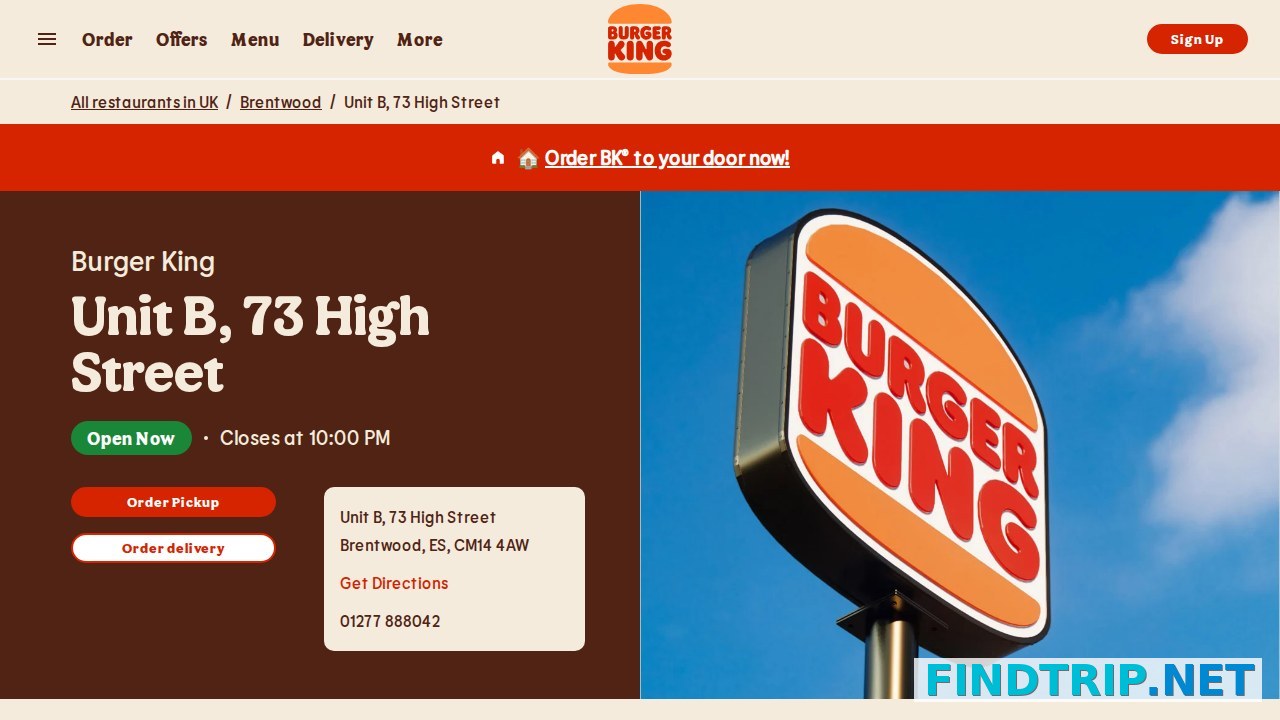
This practical action checklist provides an efficient, step-by-step guide for visiting Burger King at Unit B, 73 High Street in Brentwood, rather than a long descriptive review. Follow these clear instructions before setting out, while at the counter, and after leaving to maximize discounts, speed up your order, and ensure a flawless fast-food experience. Keep this reference handy whenever you plan to drop by for a quick flame-grilled meal, pick up a takeaway, or order delivery to your door.
---
1. Quick Location & Operating Details
Below is the consolidated essential information for the Burger King Brentwood branch. Please verify these details prior to traveling, as trading hours may shift during bank holidays or seasonal periods.
| Detail | Information |
| :--- | :--- |
| Full Address | Unit B, 73 High Street, Brentwood, Essex, CM14 4AW, United Kingdom |
| Contact Phone | 01277 888042 |
| Official Website | [burgerking.co.uk](https://www.burgerking.co.uk) |
| Table Reservations | Not applicable (Fast-food counter / self-service) |
| Monday Hours | 10:00 AM – 10:00 PM |
| Tuesday Hours | 10:00 AM – 10:00 PM |
| Wednesday Hours | 10:00 AM – 10:00 PM |
| Thursday Hours | 10:00 AM – 10:00 PM |
| Friday Hours | 10:00 AM – 11:00 PM |
| Saturday Hours | 10:00 AM – 11:00 PM |
| Sunday Hours | 10:00 AM – 10:00 PM |
| Available Services | Dine-in, Takeaway, Click & Collect (via App), Delivery (Deliveroo, Just Eat, Uber Eats) |
---
2. Pre-Visit Preparation: What to Bring and Do Before You Go
Preparing ahead saves time at the ordering kiosk and ensures you do not miss out on exclusive app discounts or essential dietary information.
- Download and Register the BK® UK Mobile App:
- Create your YourBurgerKing Loyalty account before arriving.
- Check the app’s "Offers" tab for active coupons, discount bundles, or promotional codes that are invalid when ordering directly at the physical register without the app.
- Review Allergen and Dietary Data Online:
- If you have food allergies or specific dietary restrictions (e.g., vegan, vegetarian, gluten-free), visit the official Burger King UK Allergen Portal online prior to ordering.
- Items such as the Vegan Royale are certified by the Vegan Society, but double-checking cross-contamination guidelines online is recommended for severe allergies.
- Prepare Digital or Contactless Payment Methods:
- Ensure your preferred debit/credit card, Apple Pay, or Google Pay wallet is active on your smartphone.
- Cash is generally accepted, but using contactless payments at the instore self-service touchscreens significantly reduces queue times.
- Plan Parking and Travel Strategy:
- The restaurant is located directly on Brentwood High Street (CM14 4AW), where parking directly outside can be restricted during peak high street trading hours.
- Locate nearby town center parking options (such as Coptfold Road Car Park or Crown Street Car Park) if traveling by car, or utilize the regular bus routes stopping along Brentwood High Street.
---
3. On-Site Action Checklist: Step-by-Step Guide When You Arrive
Follow these sequential steps from the moment you step inside the Brentwood store to guarantee a smooth, accurate, and customized dining experience.
1. Select Your Ordering Stream:
- Option A (Touchscreen Kiosk): Head to the self-service ordering terminals to browse the full menu, customize ingredients, and pay instantly via card/contactless.
- Option B (App Click & Collect): Open your BK® App inside or near the venue, select the Brentwood store, submit your order, and await your collection number.
- Option C (Main Counter): Approach the team members at the counter if paying with cash or requiring direct assistance with complex dietary requirements.
2. Scan Your Loyalty Account QR Code First:
- Before tapping to pay on the kiosk or counter terminal, scan your YourBurgerKing digital loyalty barcode.
- Earning loyalty points per pound spent allows you to build a balance towards free menu items like Whopper®, Chicken Fries, or sides on future visits.
3. Customize Your Meal ("Have It Your Way"):
- Take advantage of customized orders on signature flame-grilled options like the Whopper® or plant-based items.
- Adjust condiments, request extra pickles, remove onions, or swap standard fries for alternative side options directly on the screen interface.
4. Collect Your Order and Perform a Bag Check:
- Watch the order status screens for your collection number.
- Before walking away from the pick-up counter—especially for takeaway orders—verify that all dipped sauces, side items, customized burgers, and drinks are correctly included in your bag.
5. Locate Dining Space or Prepare for Transport:
- If dining in, choose a clean table in the seating area; dispose of your tray packaging in the designated recycling stations when finished.
- If opting for takeaway, ensure hot food items are secured flat during your onward travel through Brentwood town center.
---
4. Post-Visit Checklist: Receipt and Rewards Management
Do not discard your receipt or close the app immediately after finishing your meal; a few post-visit actions can yield extra savings.
- Retain Your Receipt for Feedback and Point Verification:
- Check your BK® App account within 24 hours to confirm your loyalty points from the Brentwood transaction have updated correctly.
- If your paper receipt contains a GuestTrac customer satisfaction survey code, complete the short online feedback form at guesttrac.co.uk to earn a validation code for a free or discounted menu item on your next visit to any participating UK location.
---
5. Summary
Following this streamlined checklist ensures you get the best value, fastest service, and correct order every time you visit Burger King on High Street in Brentwood.