Chipotle at 3496 Erie Boulevard East: Essential Pre-Visit Checklist
Practical pre-visit checklist for Chipotle at 3496 Erie Blvd East, Syracuse, NY. Hours, ordering steps, app rewards, and on-site tips.
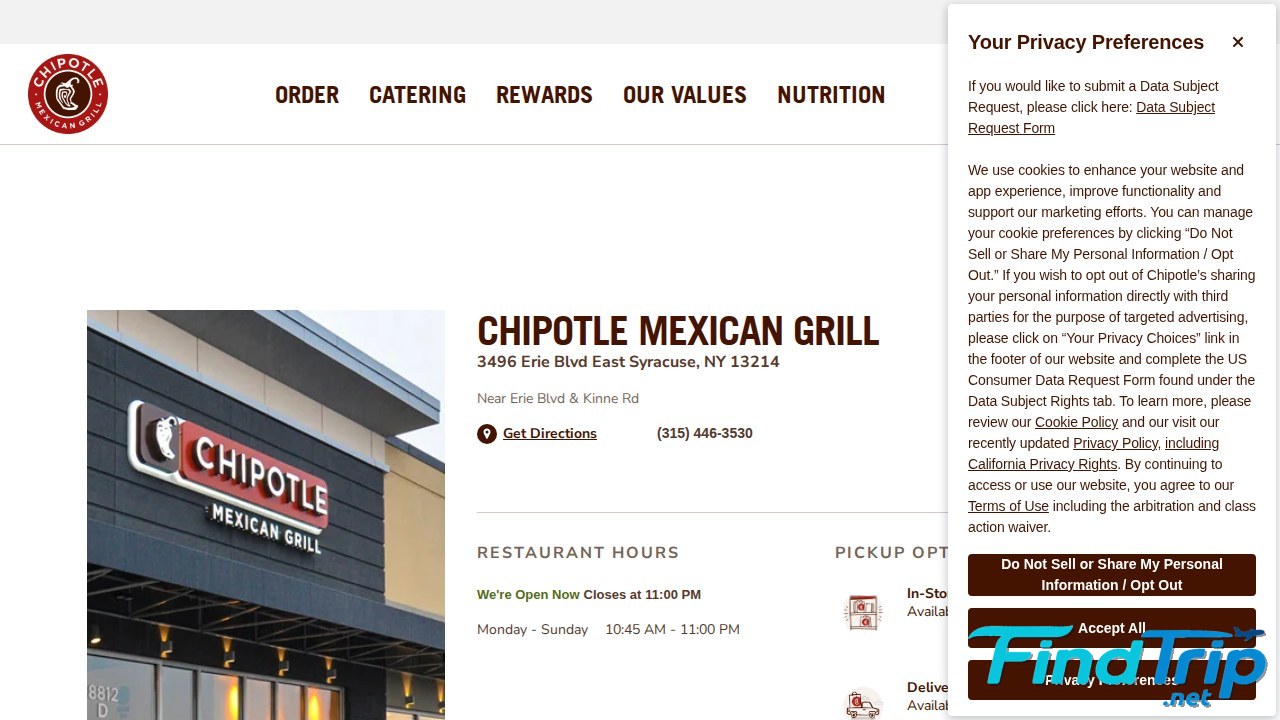
This document serves as a straightforward action checklist designed to help you prepare for and navigate your visit to Chipotle on Erie Boulevard East, rather than a lengthy, subjective restaurant review. By following these practical steps, you can streamline your ordering process, maximize rewards points, and enjoy a seamless dining experience whether you choose to dine in, pick up an order, or arrange group catering. Read through this operational guide prior to setting out so you know exactly what to prepare, how to customize your order on-site, and how to manage post-dining details.
Store Information & Contact Matrix
Before heading out to the restaurant, review the verified store details below to ensure you have the correct address, phone number, and operating schedule.
| Detail Category | Specific Information |
| :--- | :--- |
| Full Address | 3496 Erie Blvd East, Syracuse (DeWitt area), NY 13214 |
| Cross Streets / Landmark | Near Erie Blvd & Kinne Rd |
| Operating Hours | Monday – Sunday: 10:45 AM – 11:00 PM |
| Phone Contact | (315) 446-3530 |
| Table Reservations | Not Accepted (Fast-casual walk-in or mobile ordering) |
| Official Website / App | chipotle.com / Chipotle Mobile App |
| Service Options Available | In-Store Pickup, Delivery, Assembly Line Ordering, Event Catering |
Verify operational schedules ahead of major national holidays, as hours may adjust slightly despite standard daily operations running from mid-morning through late evening.
What to Prepare Before Your Visit
Proper preparation helps avoid long wait times and allows you to take full advantage of customized digital features and promotional earnings.
- Download and Configure the Chipotle Rewards App: Register an account on your smartphone before arriving at the location. Earning points on handcrafted entrées allows you to redeem free food items, access exclusive member offers, and save custom meal builds for faster future ordering.
- Review Menu Options and High-Protein Selections: Chipotle operates on a core philosophy of using 53 real ingredients without artificial colors, flavors, or preservatives. Familiarize yourself with current featured options—such as Pollo Asado, Double High Protein Bowls, or custom taco formats—so you can quickly move through the service line.
- Decide on Your Order Method: Choose whether you intend to walk through the custom assembly line in person, place a digital order for quick shelf pickup, or arrange bulk event catering for larger gatherings.
- Set Up Payment Methods: Add your preferred credit card, debit card, or digital wallet (such as Apple Pay or Google Pay) to your smartphone app if you plan to utilize digital pickup or contactless payment at the register.
- Check Dietary and Allergen Guidelines: If you maintain specific dietary requirements (e.g., gluten-conscious, dairy-free, vegetarian, or keto), review the official nutrition guide online to confirm which rice, bean, salsa, and protein combinations align with your personal needs.
- Factor in Traffic and Peak Dining Hours: Located near Erie Boulevard East and Kinne Road, this corridor experiences higher traffic volume during peak lunch (12:00 PM – 1:30 PM) and dinner hours (5:30 PM – 7:00 PM). Schedule your mobile order pickup time accordingly to avoid traffic delays.
On-Site Execution Checklist: Step-by-Step Action Plan
Follow these sequential steps upon arriving at the 3496 Erie Boulevard East restaurant to ensure an efficient ordering process.
Step 1: Choose Your Base Entrée Format
Decide on the vessel for your meal. You can select a Burrito Bowl (served in a bowl without a tortilla), a Burrito (wrapped in a warm flour tortilla), Tacos (three crispy corn or soft flour tortillas), a Quesadilla (folded flour tortilla with melted cheese, typically ordered digitally), or a fresh Salad (built on a bed of supergreens).
Step 2: Select Rice, Beans, and Core Protein
As you move down the assembly line, inform the team member of your base preferences:
- Grains: Cilantro-Lime White Rice or Cilantro-Lime Brown Rice.
- Beans: Black Beans or Pinto Beans (both prepared with wholesome, real ingredients).
- Protein Base: Options include Pollo Asado, Grilled Chicken, Steak, Barbacoa, Carnitas, or plant-based organic Sofritas (braised tofu with peppers and spices). You can also request double protein or a split portion of two different proteins.
Step 3: Customize Salsas and Fresh Toppings
Add flavor layers from mild to spicy according to your taste preferences:
- Fresh Tomato Salsa (Mild salsa featuring diced tomatoes, onions, cilantro, and lemon-lime juice).
- Roasted Chili-Corn Salsa (Medium heat with sweet corn and poblano peppers).
- Tomatillo-Red Chili Salsa (Hot salsa providing a bold, spicy kick).
- Finishing Touches: Shredded Monterey Jack cheese, sour cream, fajita veggies (bell peppers and onions), fresh romaine lettuce, and freshly mashed guacamole made daily with ripe avocados.
Step 4: Scan Rewards and Add Drinks or Sides at Register
When you reach the register:
1. Open your Chipotle Rewards app and scan your member QR code before paying to record your points.
2. Add optional sides such as All-New Chili Lime Chips, fresh tortilla chips with house-made guacamole, or side salsas.
3. Select your preferred beverage (fountain drinks, bottled beverages, or teas).
Step 5: Collect Utensils and Condiments
Head over to the self-serve beverage and condiment station:
- Grab necessary napkins, forks, and drink lids.
- Select from available bottled Tabasco sauces (Green Pepper, Original Red, or Chipotle Pepper sauce) if you desire additional heat for your meal.
Step 6: Retrieve Mobile Pickup Orders (If Ordering Ahead)
If you placed an order via the app or website prior to arriving:
- Bypass the standard ordering line completely.
- Locate the clearly marked digital pickup shelf inside the dining area.
- Verify your name on the order bag tag to ensure you take the correct items.
Post-Visit & Departure Checklist
Complete these final tasks after finishing your meal or leaving the store to keep your records updated and handle any leftovers correctly.
- Verify Digital Points and Receipt: Open your app or check your paper receipt to confirm that your purchase points were accurately added to your Chipotle Rewards account balance. If points are missing, submit the receipt number via the rewards app feature within 14 days.
- Store Leftover Portions Safely: If you do not finish your burrito, bowl, or sides, seal them in an airtight container and refrigerate at or below 40°F (4°C) within two hours to maintain food freshness and safety.
- Provide Feedback or Report Order Issues: If an online order was missing an item or prepared incorrectly, submit a query through the official digital customer support portal ("Pepper") on the Chipotle app or website for quick assistance or refund credits.
- Save Custom Orders for Next Time: Revisit your order history in the app and mark your successful ingredient combinations as a "Favorite" to enable one-tap reordering on future visits.
Conclusion
Following this structured checklist ensures an organized, efficient, and enjoyable dining experience at Chipotle on Erie Boulevard East in Syracuse.