Burger King Bolton Loyalty and Ordering Guide
Discover how the Burger King loyalty program works at the Bolton Trinity Retail Park branch. Learn about app features, rewards, and ordering options.
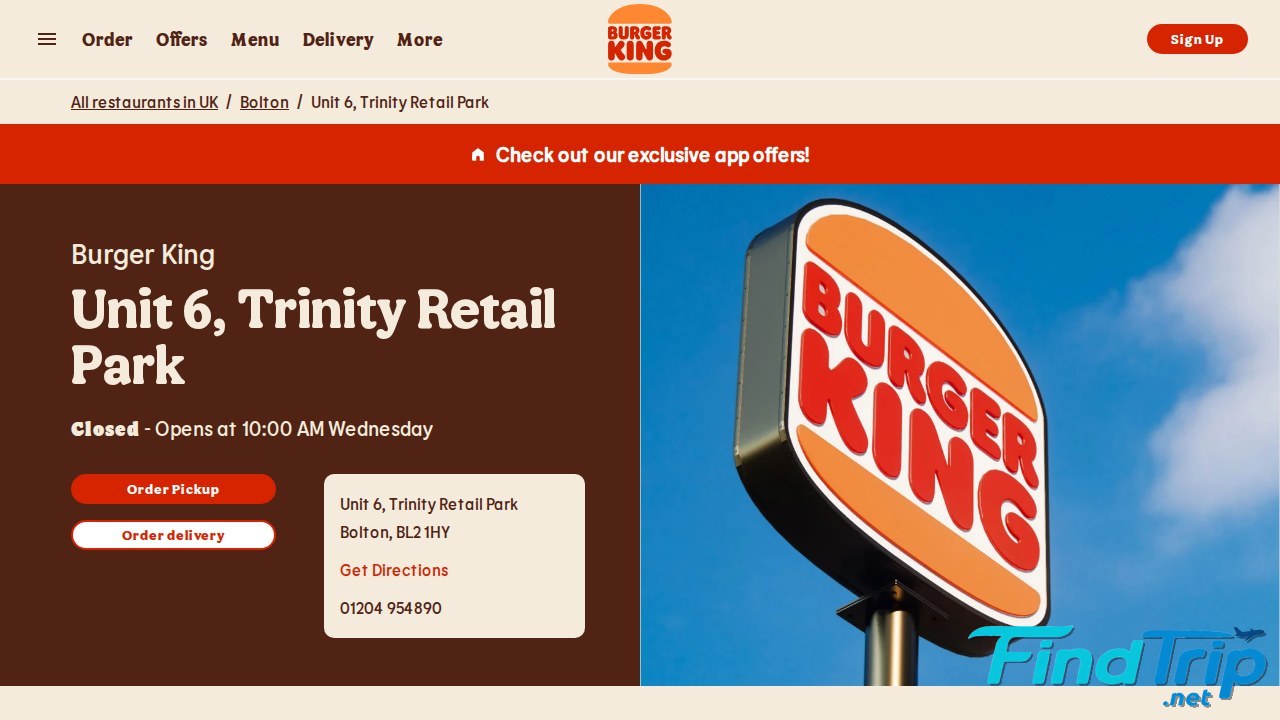
For regular visitors to the fast-food chain, maximizing your visits involves understanding how the loyalty system works, what perks are available, and how to order efficiently. If you frequently visit the branch located at Unit 6, Trinity Retail Park, Bolton, BL2 1HY, engaging with the brand's digital ecosystem can enhance your overall dining experience. Whether you prefer to pick up a quick lunch, sit down for dinner, or use delivery services, knowing the mechanics of the rewards program helps you get more out of your favorite meals.
Operating daily from 10:00 AM to 11:00 PM, this Bolton location accommodates various schedules for breakfast, lunch, and dinner. While specific pricing details are not listed, the focus remains on delivering the signature flame-grilled taste and customizable options that define the brand globally.
Understanding the Loyalty Program and Membership Features
The core of the frequent visitor experience relies on the YourBurgerKing loyalty scheme. For guests who regularly order through official channels, this program provides a structured way to accumulate value over time. Rather than dealing with complicated physical punch cards, the system integrates directly into your digital ordering habits, allowing your purchases to contribute toward future perks.
Members who participate in the program accumulate points with qualifying purchases. As your point balance grows, you can redeem these accumulated points for select menu items. This gives regular customers an incentive to keep track of their spending and apply earned rewards during subsequent visits. The program is designed to reward brand loyalty seamlessly, ensuring that frequent stops at the Trinity Retail Park branch yield tangible benefits over time.
The mechanism relies on consistent tracking through your registered profile. Every time you place an eligible order through the supported digital platforms, the system logs your activity and updates your point balance. This creates a straightforward loop: order your preferred items, watch your points increase, and select complimentary or discounted menu items once you reach the required threshold.
Benefits and Perks Highlighted on the Platform
Beyond basic point accumulation, using the official digital channels grants access to exclusive offers and promotions. Regular visitors often find that checking the platform before placing an order reveals temporary deals that are not available through standard in-store ordering without the app. These perks can range from special bundle discounts to limited-time menu promotions.
The menu itself features iconic items that keep guests returning. The flagship Whopper consists of a flame-grilled beef patty topped with tomatoes, fresh-cut lettuce, mayo, pickles, a swirl of ketchup, and sliced onions on a soft sesame seed bun. For plant-based diners, the Vegan Royale—certified by the Vegan Society and featuring a crispy vegan patty with iceberg lettuce and vegan mayo on a toasted sesame seed bun—provides an alternative option. Additionally, sides like the 6-piece crispy coated chilli cheese bites offer a spicy, smooth cheese filling that adds variety to standard fast-food orders.
The restaurant supports multiple service methods to fit different lifestyles, including dine-in, takeaway, drive-through, and delivery. While Click & Collect is currently rolling out across the wider estate and may not be immediately active at every local branch, traditional ordering methods remain fully operational. For delivery, the brand partners with major aggregators such as Deliveroo, Just Eat, and Uber Eats, ensuring that you can receive your food at home if you choose not to visit the physical restaurant in Bolton.
Do You Need the App to Participate?
Engaging with the loyalty scheme and accessing digital-exclusive perks requires interacting with the brand's official software ecosystem. To get started with earning points and tracking your rewards, you need to sign up and create an account within the official mobile application.
The application serves as the central hub for the loyalty experience. Once your account is active, you can place app or online orders directly through your smartphone or desktop device. This digital integration ensures that your purchase history is accurately recorded, allowing points to credit to your profile without manual intervention.
Downloading and setting up the app is a straightforward process. It acts as your digital wallet for loyalty points, a menu explorer, and a portal for checking nutritional information or allergen details if needed. While you can still purchase food at the counter or via delivery partners, having the application installed is necessary if you intend to collect and redeem loyalty points during your visits to the Bolton branch.
Final Recommendations for Registration and Official Channels
When signing up for the loyalty program or managing your account, security and authenticity are paramount. Always ensure you are interacting with official platforms—either by downloading the verified mobile application from official app stores or by visiting the official website directly. Avoid third-party links or unverified portals that promise inflated point balances or unauthorized discounts.
For any specific inquiries regarding the Bolton branch at Unit 6, Trinity Retail Park, BL2 1HY, you can reach out via the telephone number 01204 954890. Keeping your app updated will also ensure you receive notifications about new menu additions, rolling features like Click & Collect, and updated promotional offers as they become available. By sticking to official channels, you protect your account information while making the most of your regular visits.
---